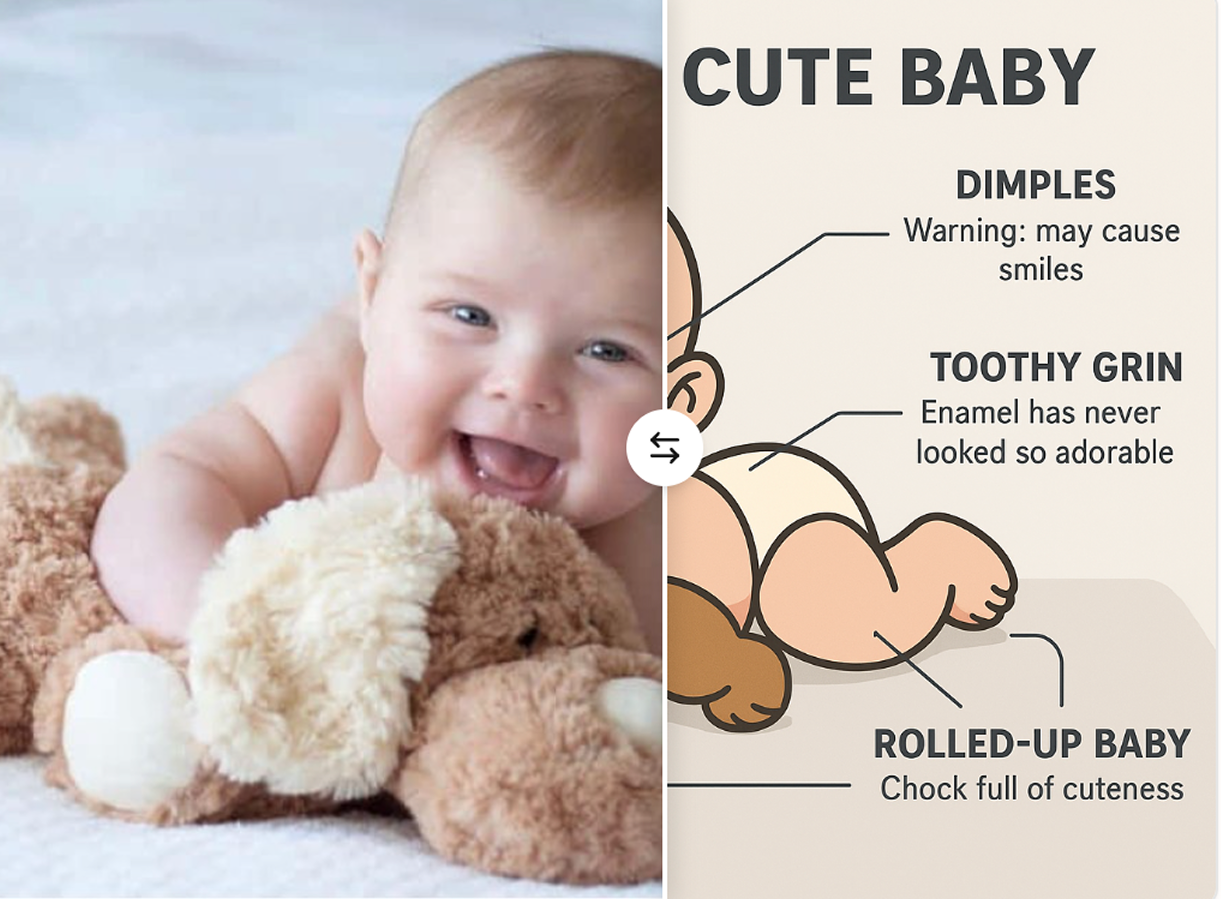
Most baby clipart online either comes with a price tag or a confusing license.
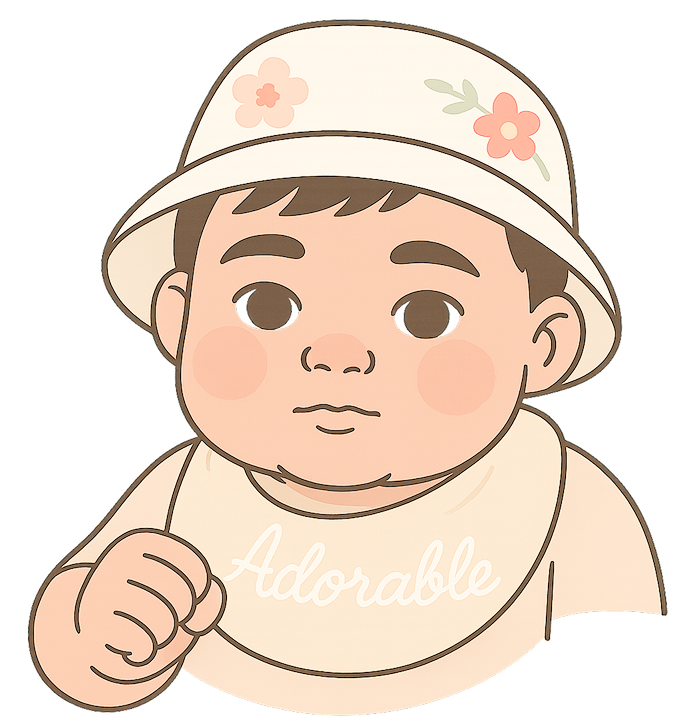
Most people stay Chatgpt, but with Chatgpt you need to prompt continuously and the work can be tedious, not to mention the $20 subscription fee!
So, what’s the workaround? Here is a quick way to create baby-clipart quickly and License-Free.
We’ll show you how to make your own high-quality baby clipart using Pop-Cam—without worrying about copyright issues. Let’s get into it.
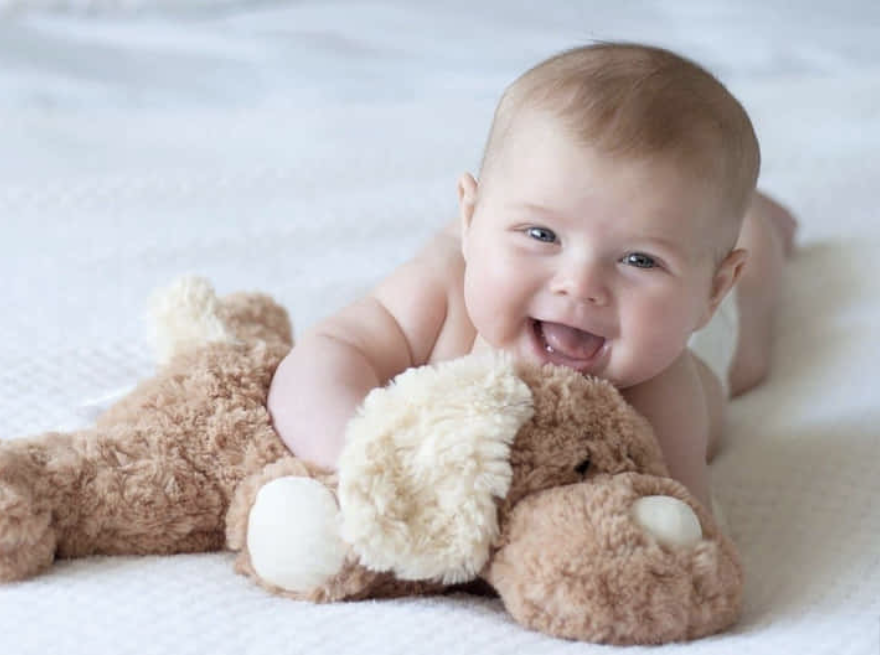
Step 1:Snap some Adorable Baby photo and upload
go to pop-cam.com, sign up for free and upload the baby photos
In our example, we went ahead and searched some pictures from google.
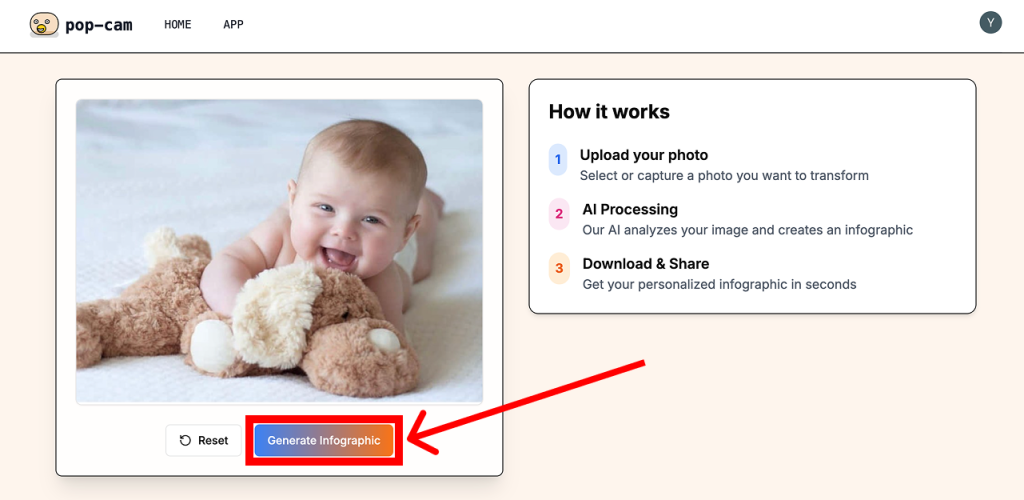
Step 2: Generate Infographics
Pop-cam’s default function will generate cartoon infographics.
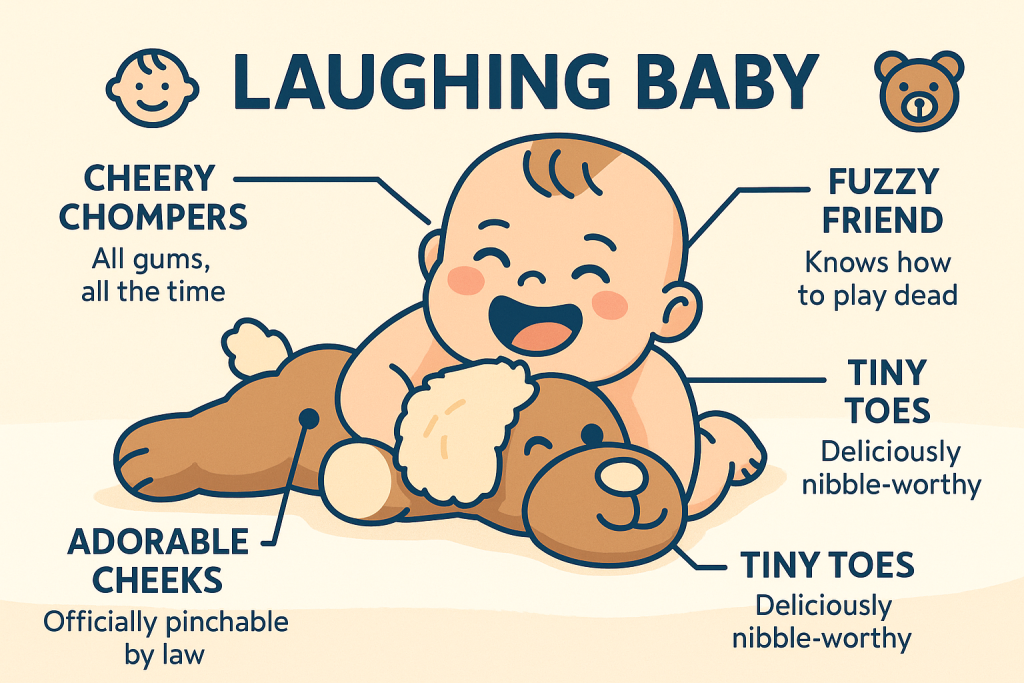
Pretty Good!
But it comes with all the text and labels. If you want a clean clipart,you don’t want these texts and labels.
Step 3: Remove Background and Text
You can use Pop-cam’s remove background and text function in one click of a button.
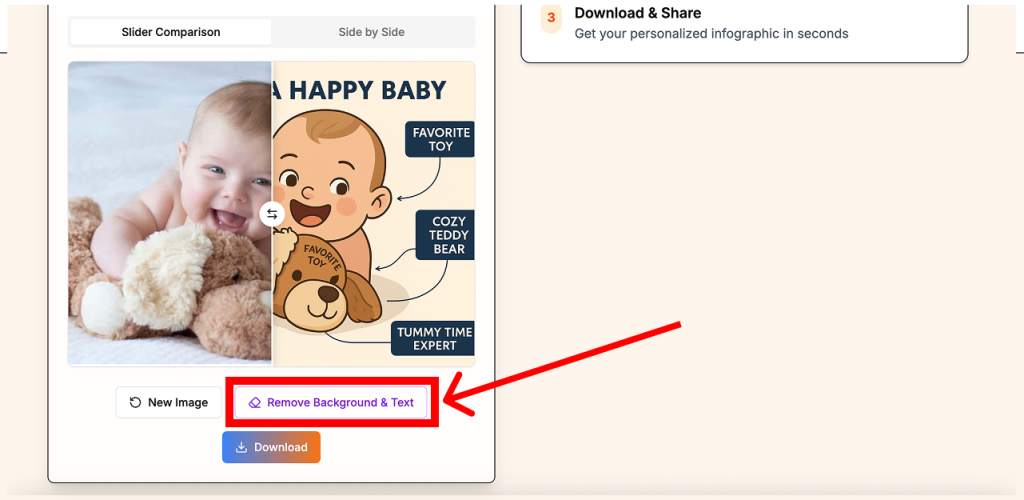


Then you have a clean clipart good to go!
Use Pop-Cam to Create All Kinds of Clipart—Not Just Babies
The same fast and easy method can be used to generate all kinds of clipart—whether you’re working on classroom materials, social media stickers, or printable art.
Animal Clipart
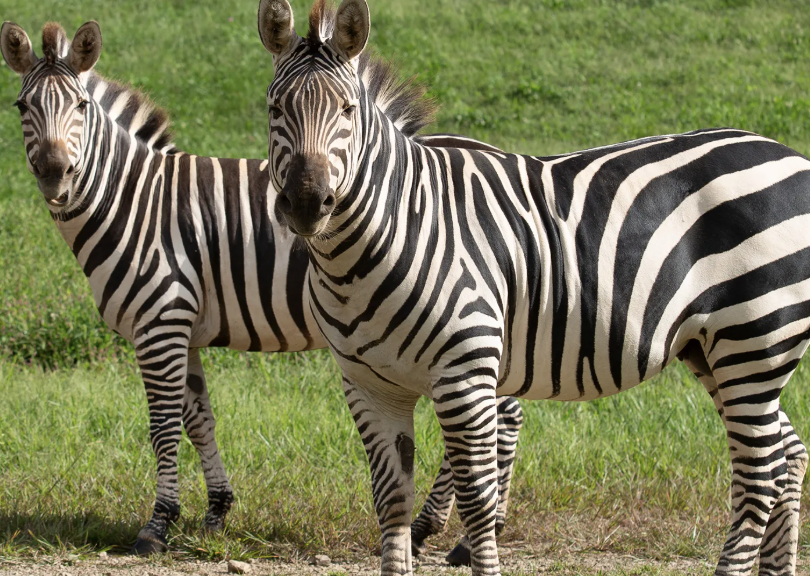
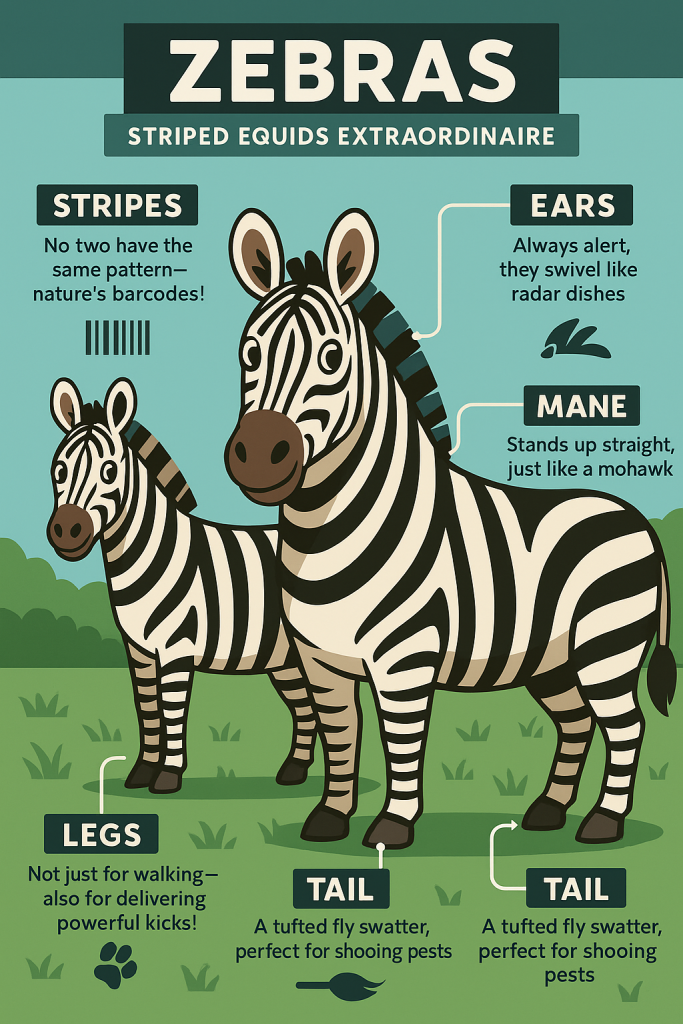
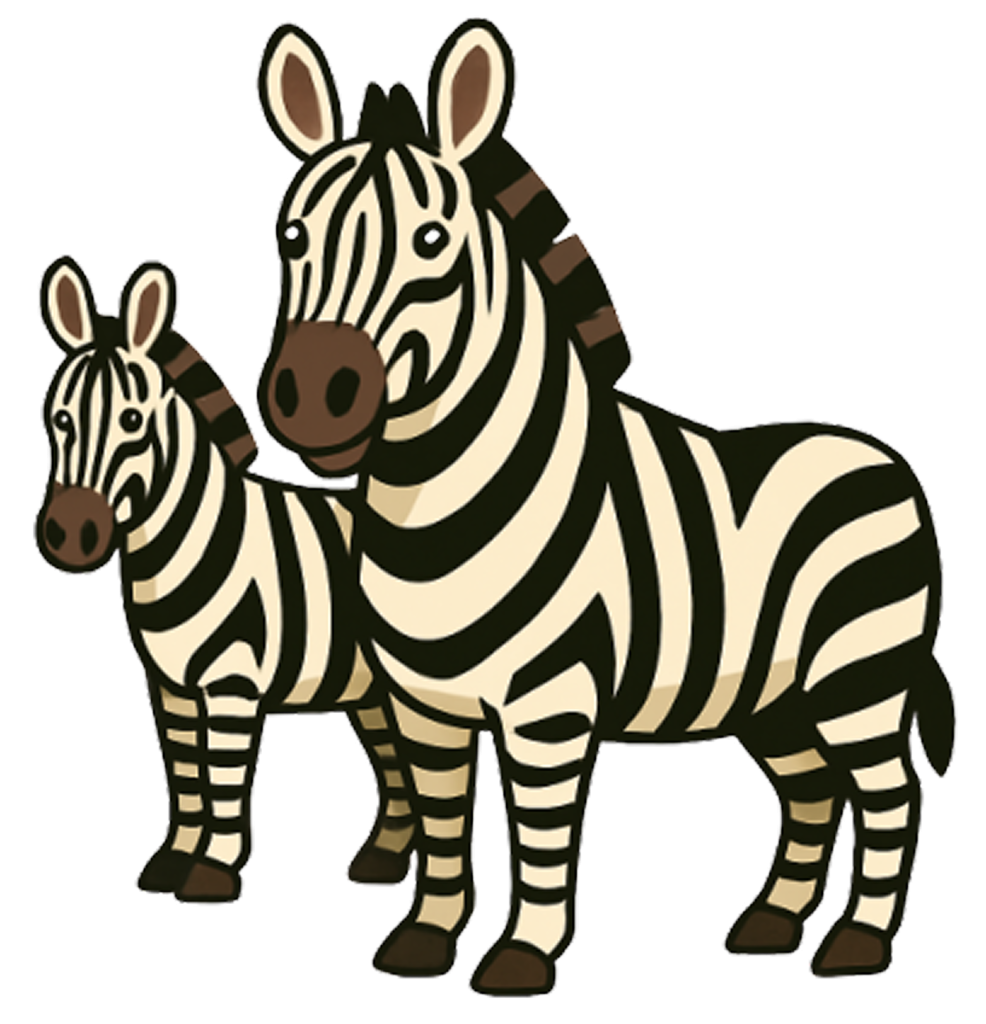
Need a sleepy cat? A dancing penguin? A cartoon dog with heart-shaped glasses? Or some cute Zebras? Pop-cam works with any picture.
Floral Clipart
Planning a wedding invite or a spring-themed blog post? Upload photos of roses, daisies, cherry
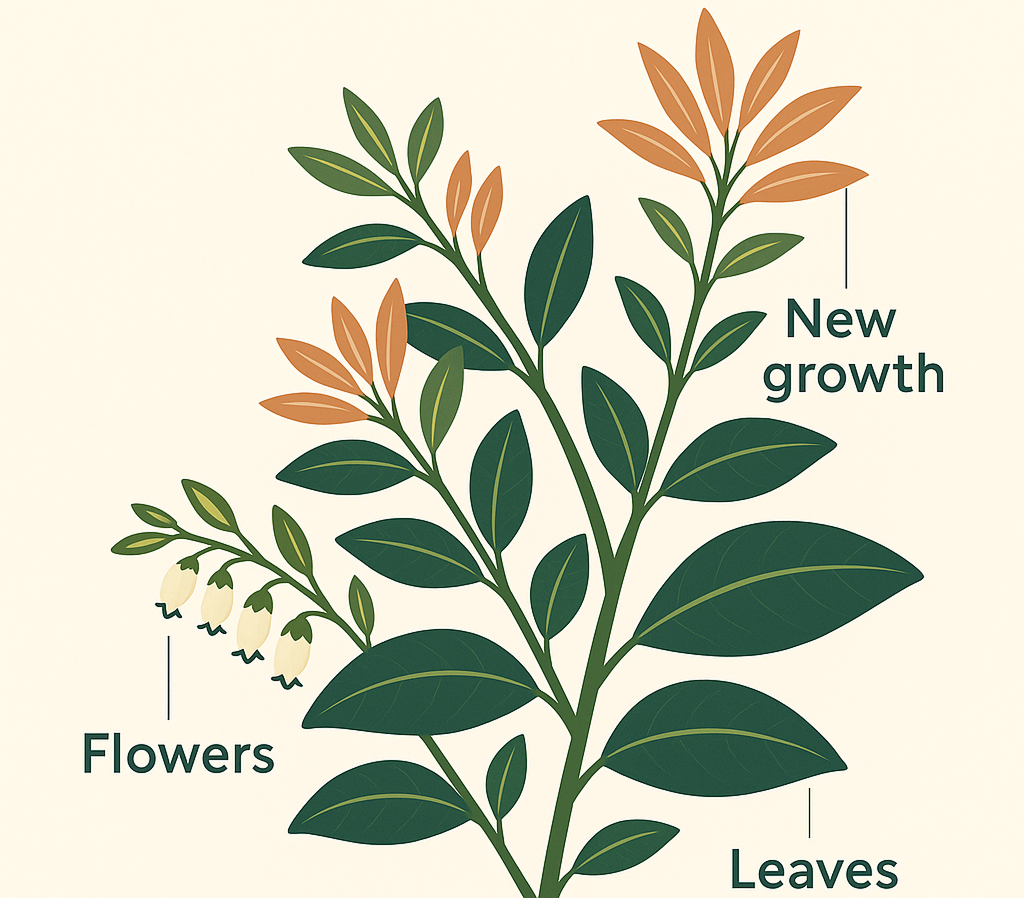
Whether you’re designing for print or digital, Pop-Cam makes it easy to build your own clipart library—no subscriptions, no licensing headaches, just your own creativity turned into clean, downloadable images.
Leave a Reply