Author: Peta Feng

  • How to use Nano banana to generate figurine photos

    How to use Nano banana to generate figurine photos

    Google’s Nano banana is a image generation model that is extremely powerful, and you thought about having these cute model-like images. Or you probably have seen them around on social media before. Here is how to make one on your own. Here is a fast guide to do that.

    What images would work?

    First we want an image of anything. In this case, I picked a picture Ellen Joe, a super popular character from Zenless Zone Zero (ZZZ).
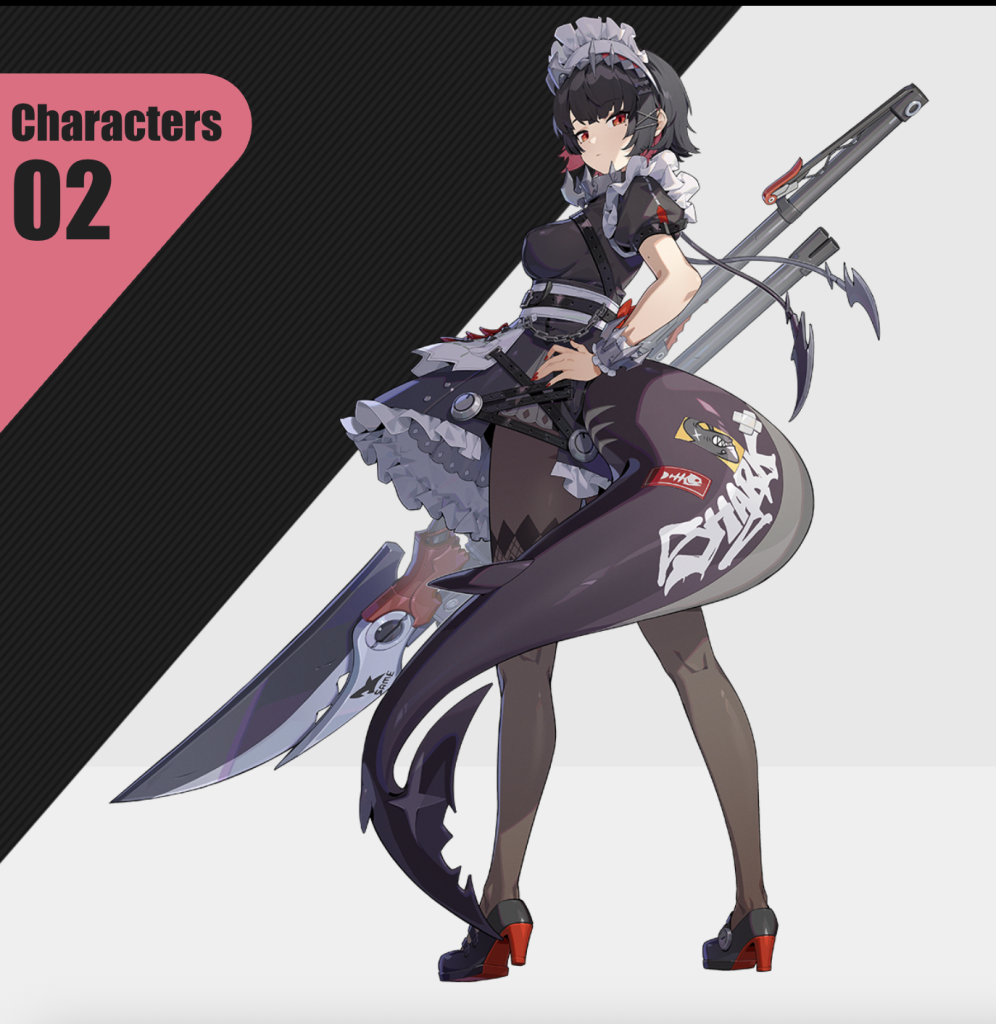
    Looks pretty nice
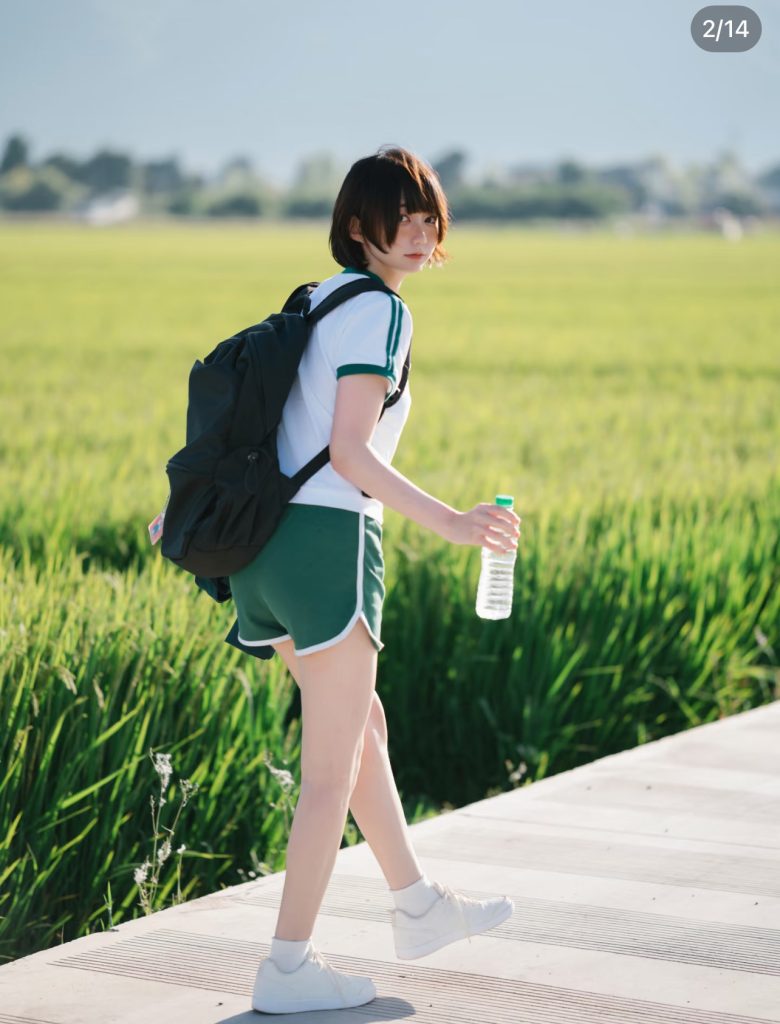
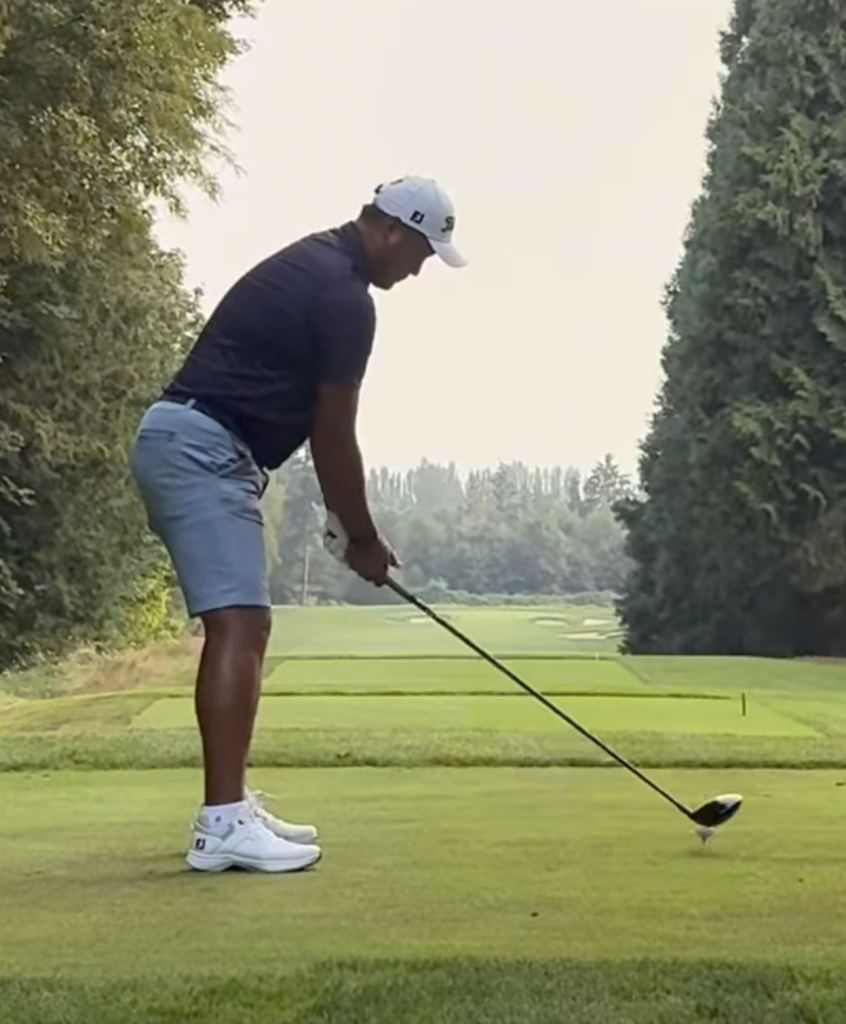
    a photograph can also work as well for transformation

    Step 2: Upload image to AI generator

    There are a lot of options which AI generator you can pick:

    Google’s AI Studio:

    • fast
    • more technical user interface, you need to copy and paste prompts
    • cost is low
    • supports multi-prompting

    Pop-Cam:

    • uses the same nano-banana
    • mobile friendly
    • low cost
    • uses preset, user do not need to repeat the prompt

    Nanobanana.ai

    • Ui is complex
    • requrie you to sign up for the entire year, which can cost over $100

    upload image & Prompt
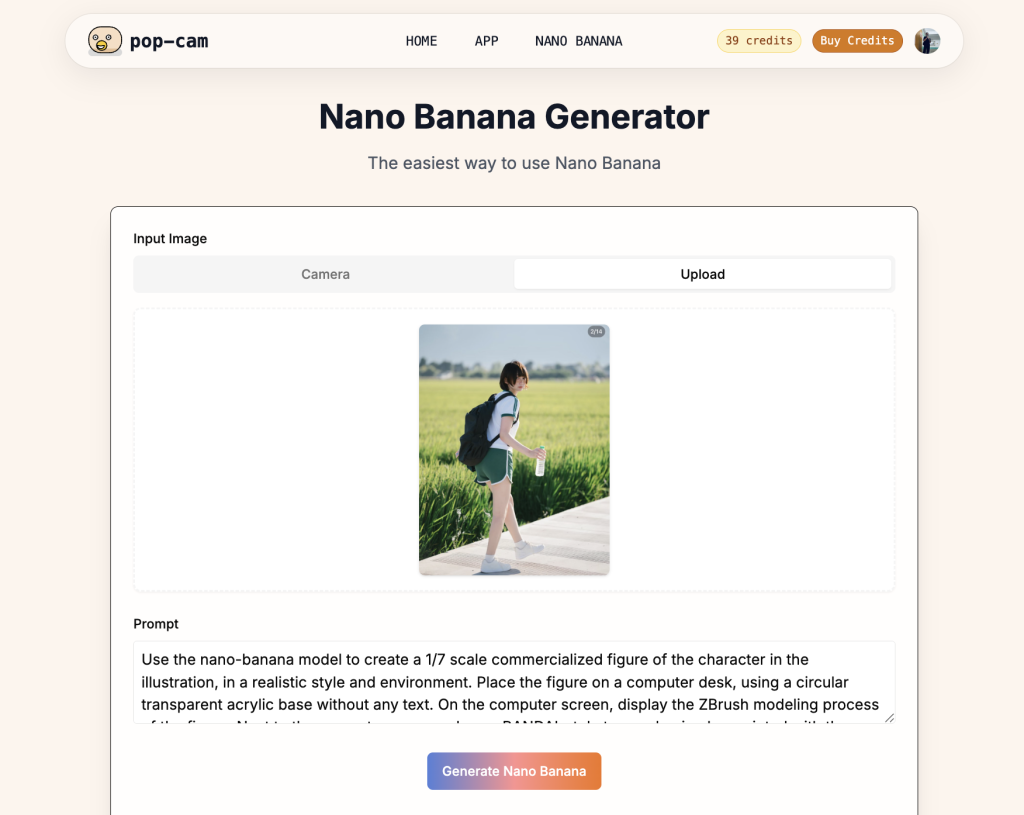
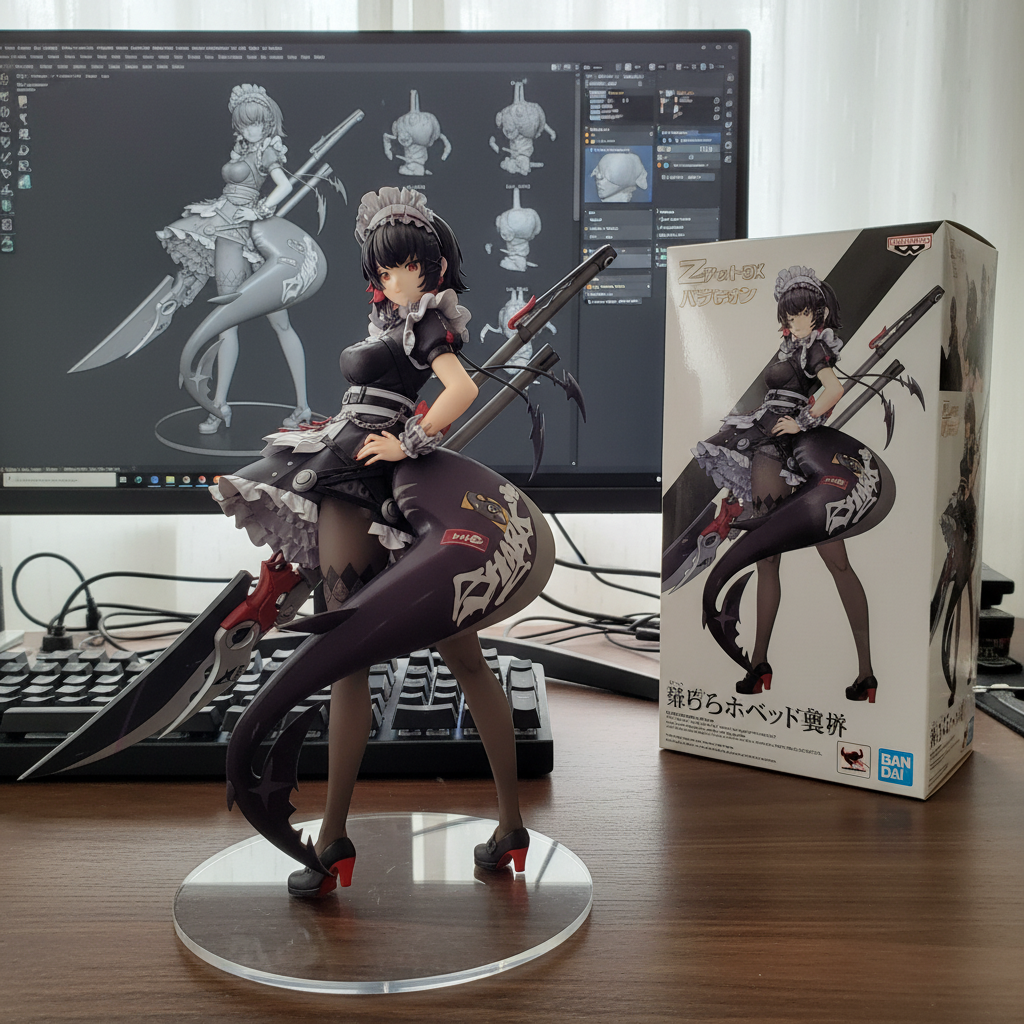
    Use the nano-banana model to create a 1/7 scale commercialized figure of the character in the illustration, in a realistic style and environment. Place the figure on a computer desk, using a circular transparent acrylic base without any text. On the computer screen, display the ZBrush modeling process of the figure. Next to the computer screen, place a BANDAI-style toy packaging box printed with the original artwork.

    • Depending on your website, you can enter it differently. Pop-cam has the prompt built in as a preset as it is very easy to click and it will enter automatically. If you prefer to change the prompt, change it directly on the screen.
    • One-click generate, and you can download the image.
    • Now your image is ready for social media!
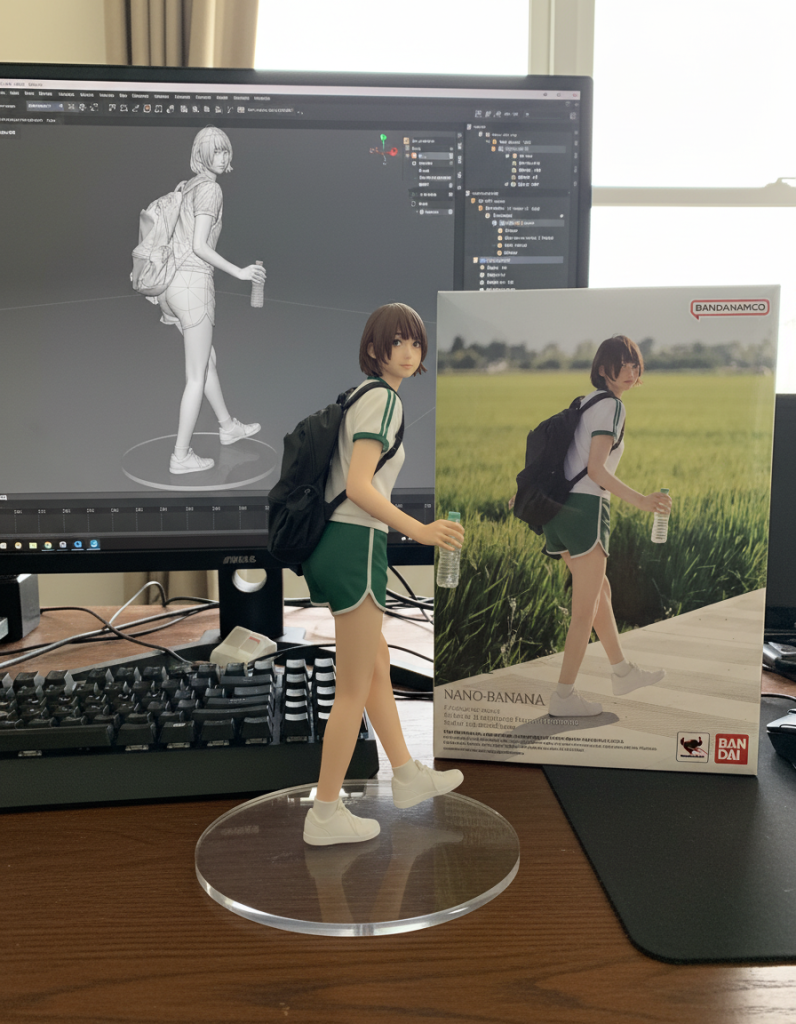
    this figurine is super cute
    ultra limited edition of the Ellen Jones figurine

    Add-on: experiment with more use cases

    on Pop-cam, there are other presets for you to try.
    In addition, I have attached a github with all the use cases of the Nanobanana model.
    https://github.com/PicoTrex/Awesome-Nano-Banana-images.git

    Pop-cam will grow to support more presets and more models in the future.
  • Before and After Video Guide: CapCut and Others

    Before and After Video Guide: CapCut and Others

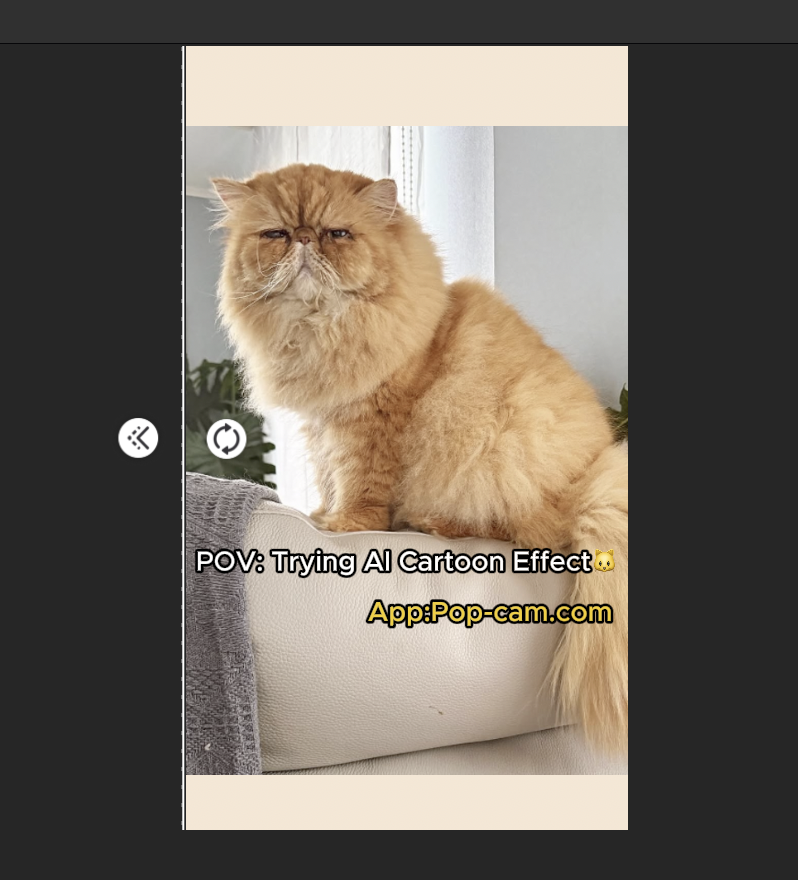
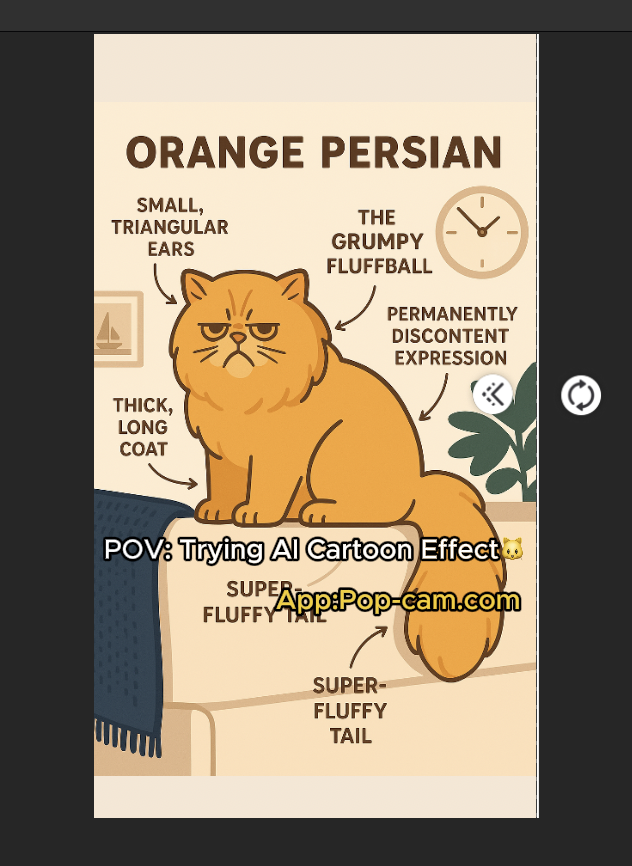
    Yes-those oddly satisfying before and after videos on TikTok or Instagram that stop you mid-scroll. Like this one.

    Want to make your own? Just use these tools: Pop-Cam, CapCut, and a few smart caption tools.

    Here’s your ultimate guide to making the before and after video—one swipe at a time.

    Step 1: Create Your “After” with Pop-Cam or other AI apps

    Head to Pop-Cam.com and upload your original photo. Within seconds, Pop-Cam transforms it into a high-quality illustration or cartoon.

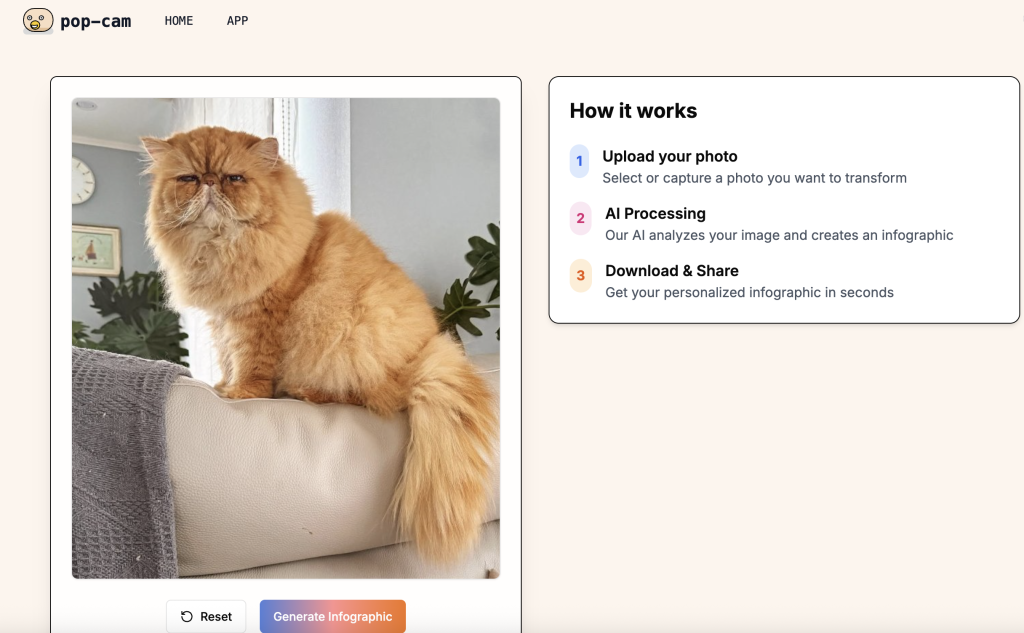
    uploading your image in popcam
    Just upload your image
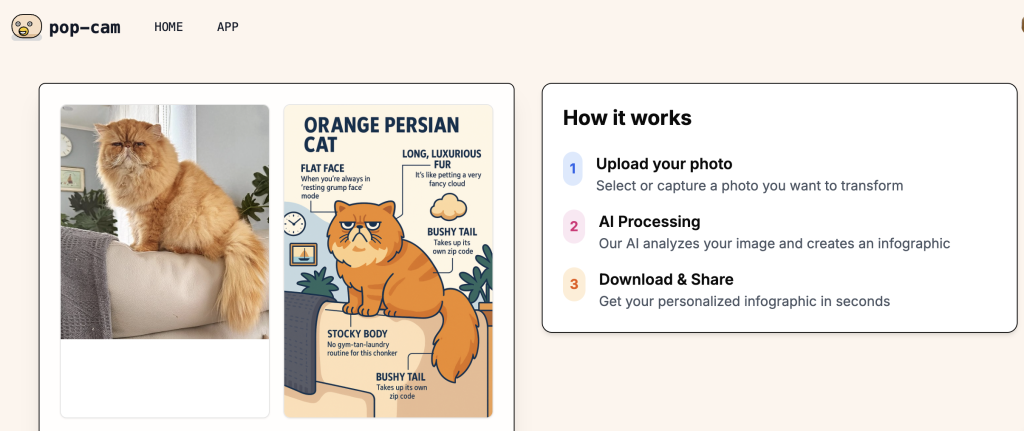
    after generation of the pop-cam
    the output is pretty awesome

    You can choose to keep the default text labels—or remove them for a clean look.
    It works on everything: pets, people, food, outfits, plants, travel pics.
    Tip: The cleaner the background, the more “punch” the cartoon effect has in the video.

    Step 2: Build a Swipe Transition in CapCut

    Now that you’ve got your “before” (original image) and your “after” (Pop-Cam cartoon), it’s time to bring the magic together with CapCut:

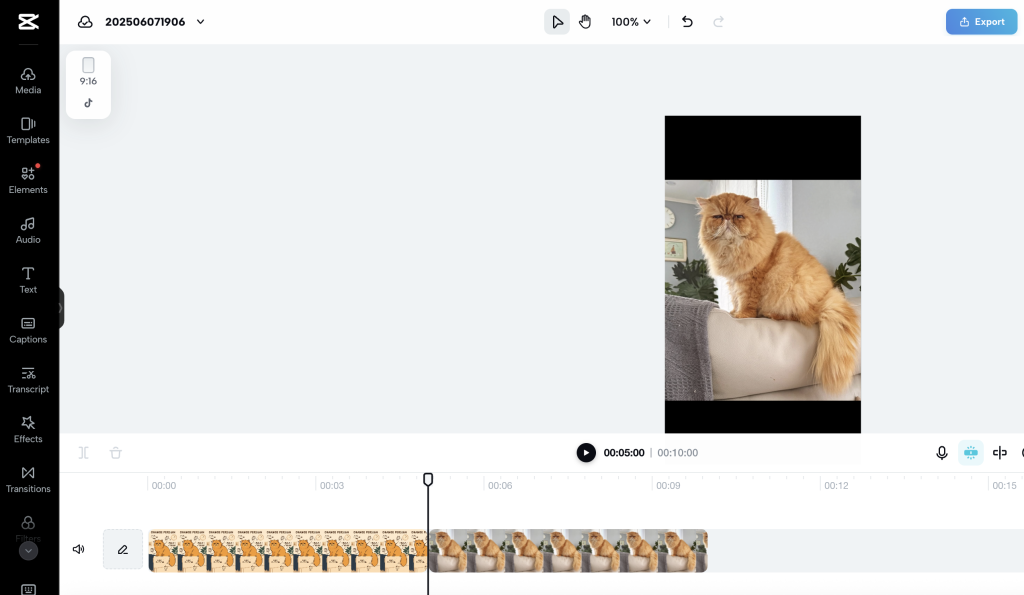
    1. Open CapCut and start a new project.
    2. In import the original photo and the cartoon version.
    capcut interface
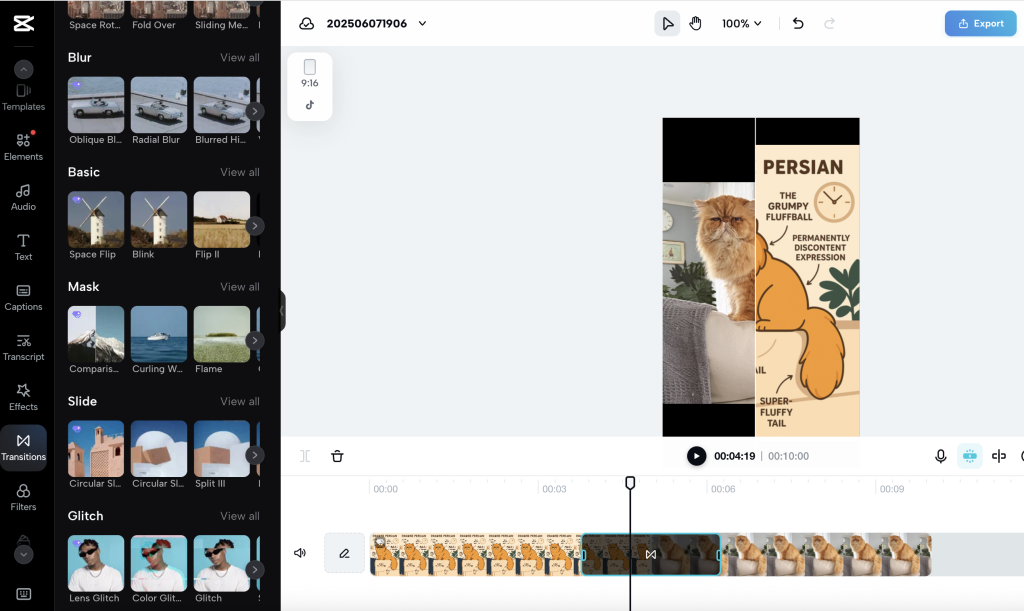
    1. Tap on the transition between the two clips and choose “wipe Left” or “Comparison: under “Mask”. This would make a wipe transition for up to 1.6 seconds
    1. If you want longer transitions, you would need the capcut desktop app.

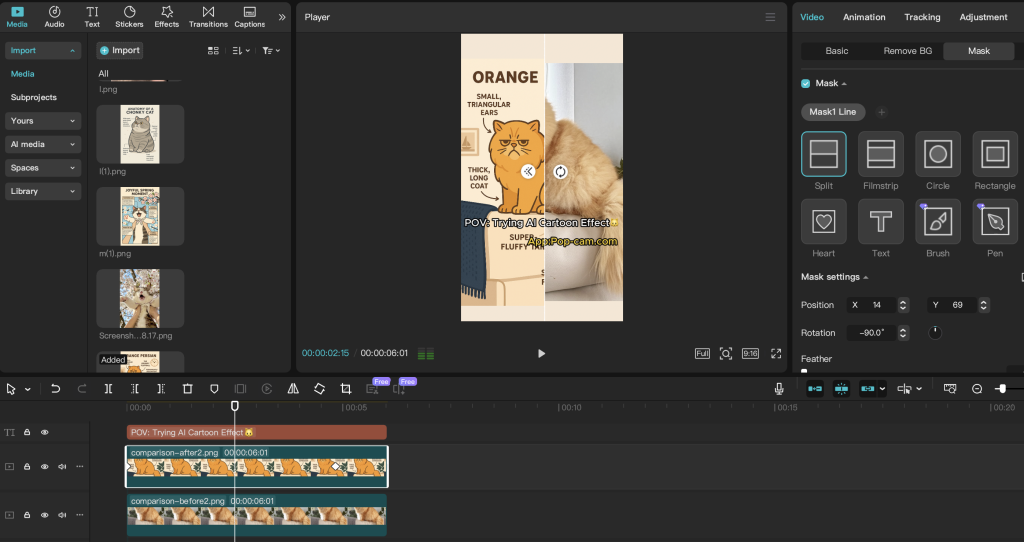
    you need to stack images on top of each other and use “mask ” tool to mask. Then keyframe the mask for that transition.

    capcut mask

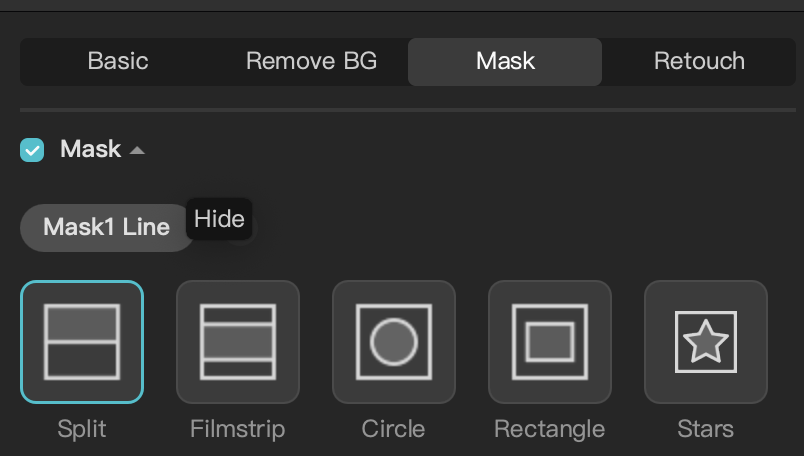
    use mask line- split for the transition

    mask after moving
    move mask to the left of the image
    press the diamond shape to set 1 key frame
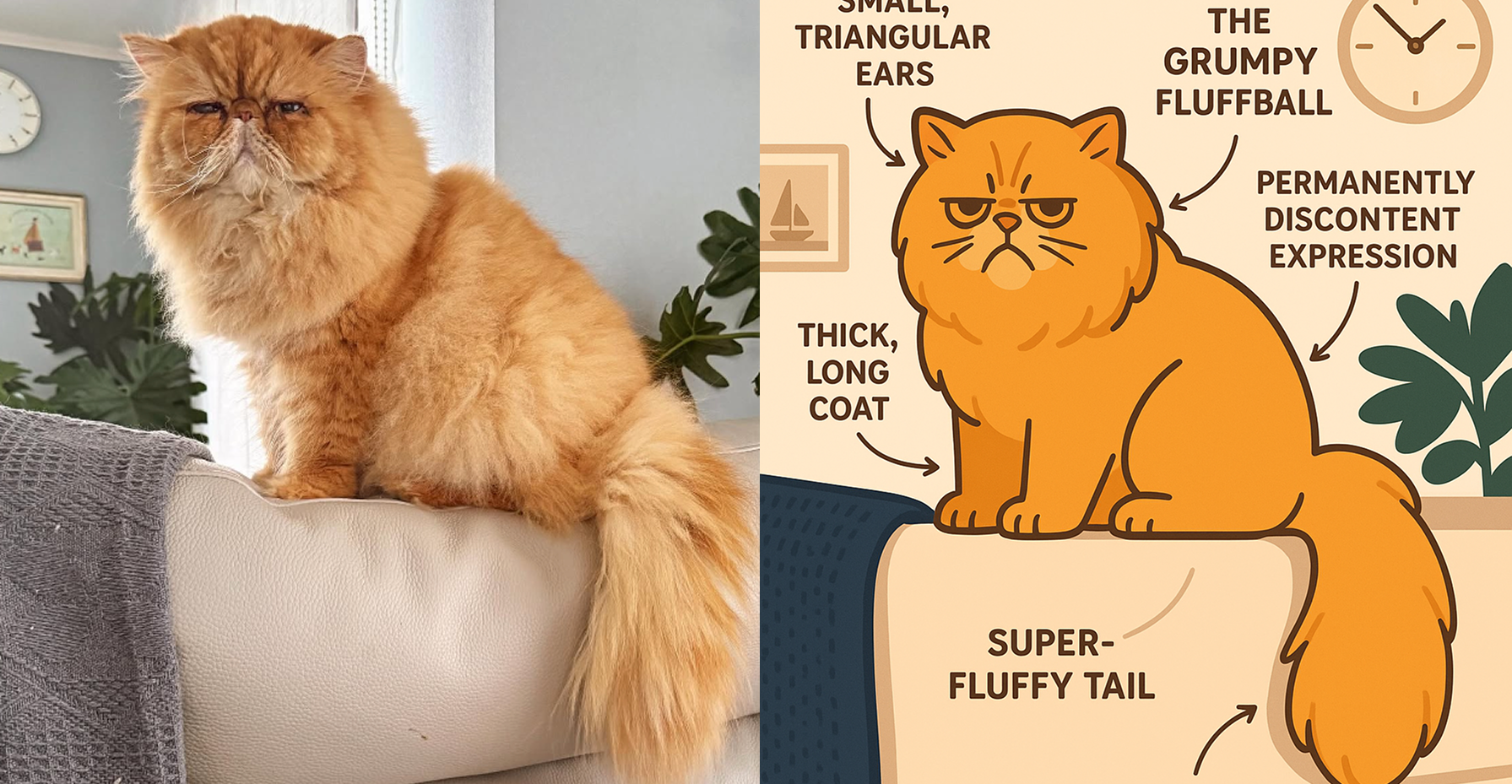
    cat after image
    move the mask down the timeline
    then press the diamond button again, when it is blue it means the keyframe has been set
    1. Keep it short—around 5–7 seconds works best on TikTok.

    Step 3: Write a Caption That Grabs Attention

    A stunning visual gets them to stop. A great caption gets them to watch again, like, and share.

    Here’s what works:

    • Hook curiosity
      “Did NOT expect this glow-up 😳”
    • Hint at transformation
      “She went from scruffy to stunning… in 3 seconds.”
    • Include a CTA (call to action)
      “Which version do you like more? Comment below!”

    Don’t overdo the hashtags. Two or three relevant ones—like #beforeandafter, #AIart, or #CapCut—are enough to help the algorithm do its thing.

    Bonus: Use AI Tools to Write Captions

    Need a little help getting creative? These AI caption-writing tools can turn your ideas into gold:

    • Copy.ai: Fast, funny, and useful for TikTok hooks.
    • Jasper: Great for long-form or emotional storytelling.
    • Hypotenuse.ai: Ideal for product-style captions and storytelling.
    • Canva Magic Write: Good if you’re already designing content in Canva. I do not recommend using this for video

    Why This Works

    Before and after videos do well because they deliver contrast + satisfaction.
    It is very easy to do these videos.
    That’s why you can post more, and get more opportunity to go viral.

    So go ahead—turn your cat, your coffee, your outfit, or even your old profile pic into a work of illustrated contrast. Pop-Cam does the drawing. CapCut adds the drama. You bring the caption and the vibes.

  • Which Cat Smile Is the Cutest? and Where to share your cat smile

    Which Cat Smile Is the Cutest? and Where to share your cat smile

    Cats don’t actually smile—at least not the way we do.
    But somehow, their mischievous grins, sleepy smirks, and just-woke-up derps never ceases to amaze.
    If you’ve ever caught your furball mid-blep, mid-squint, or mid-nap with that perfect “cat smile,” you know it’s a moment worth saving.

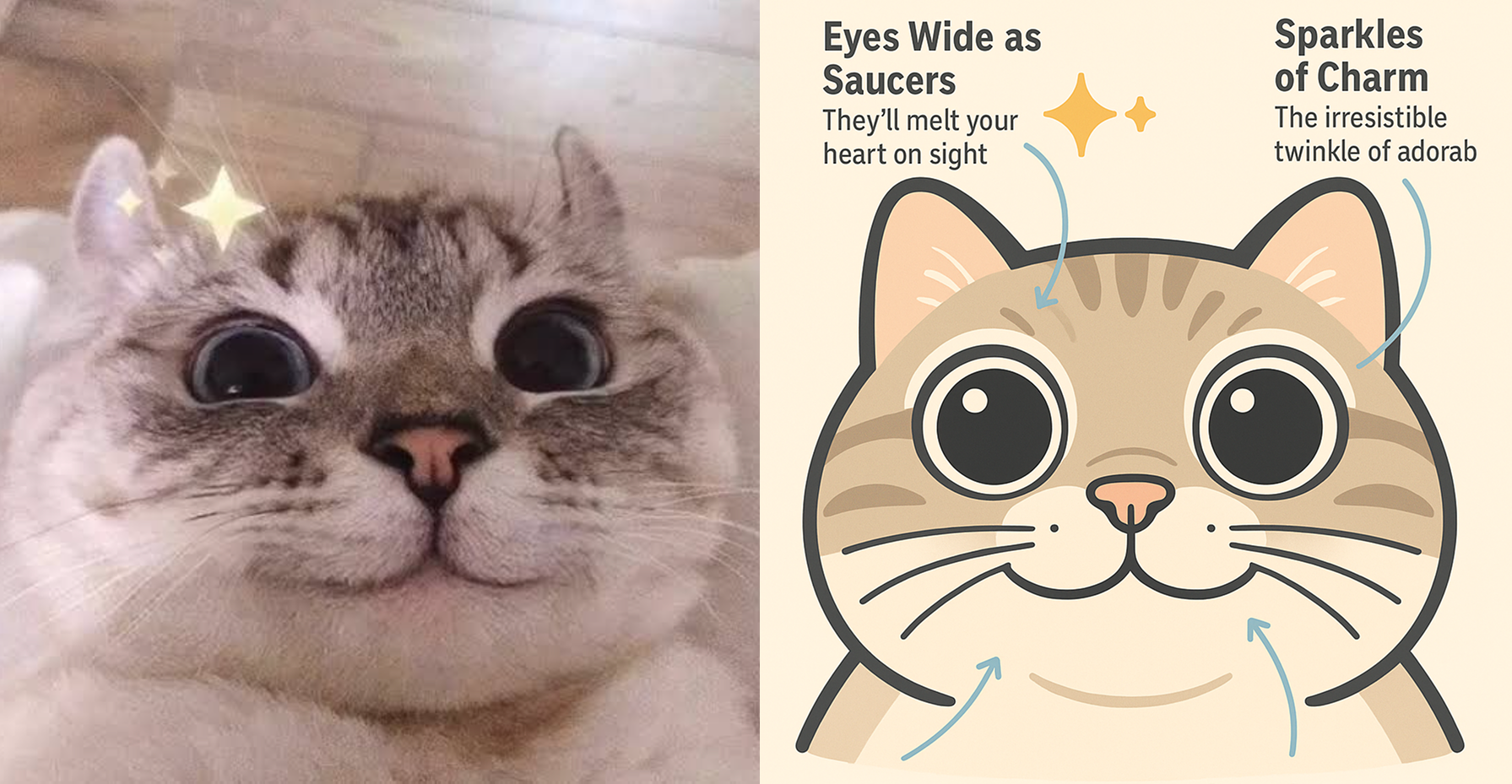
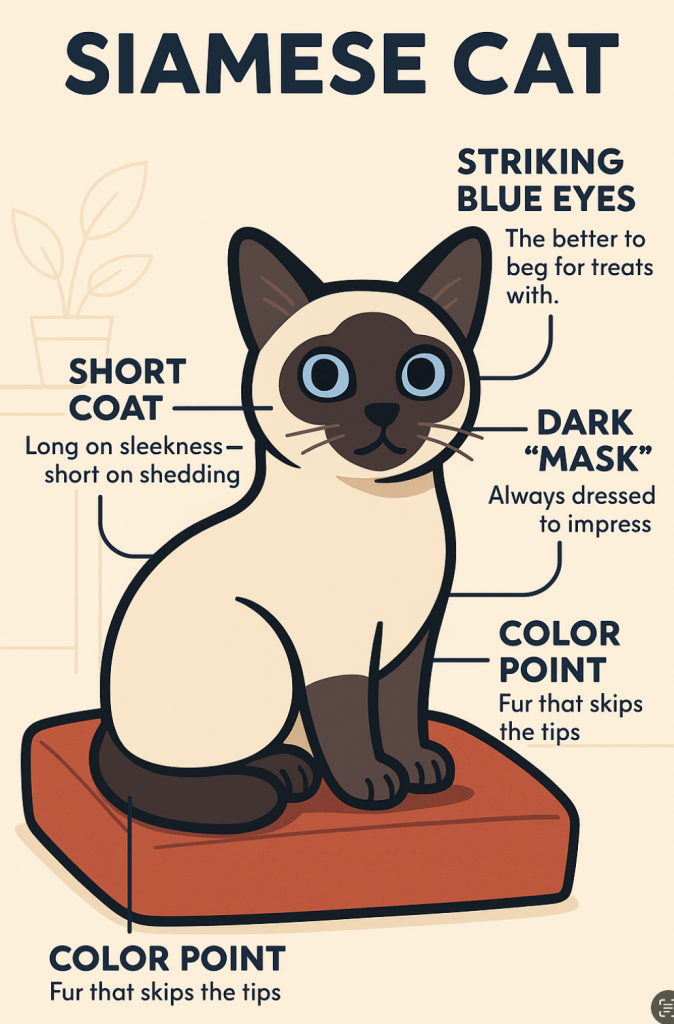
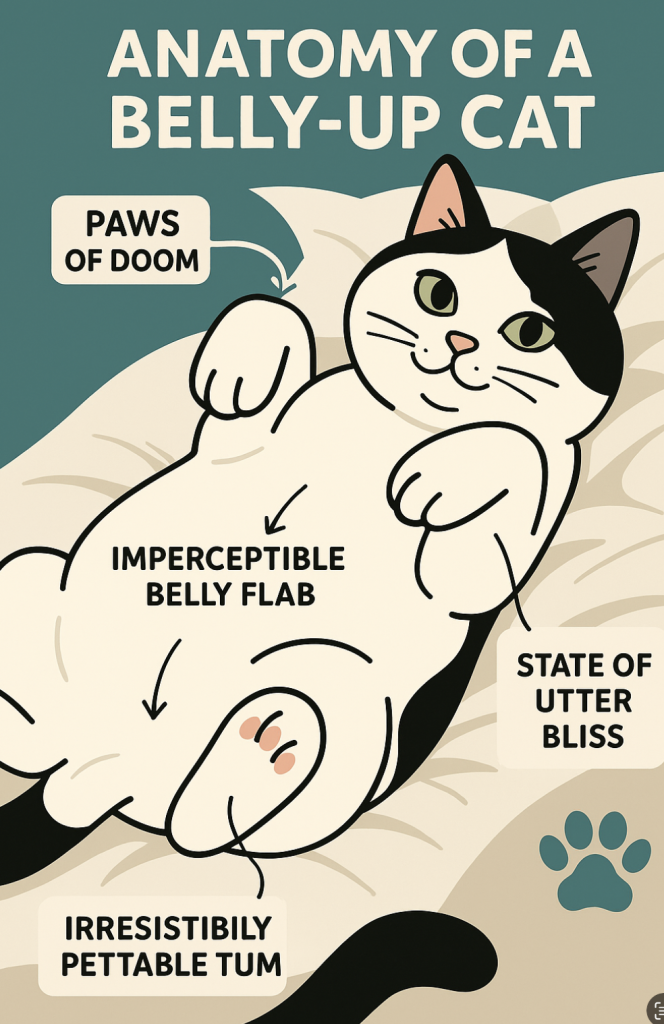
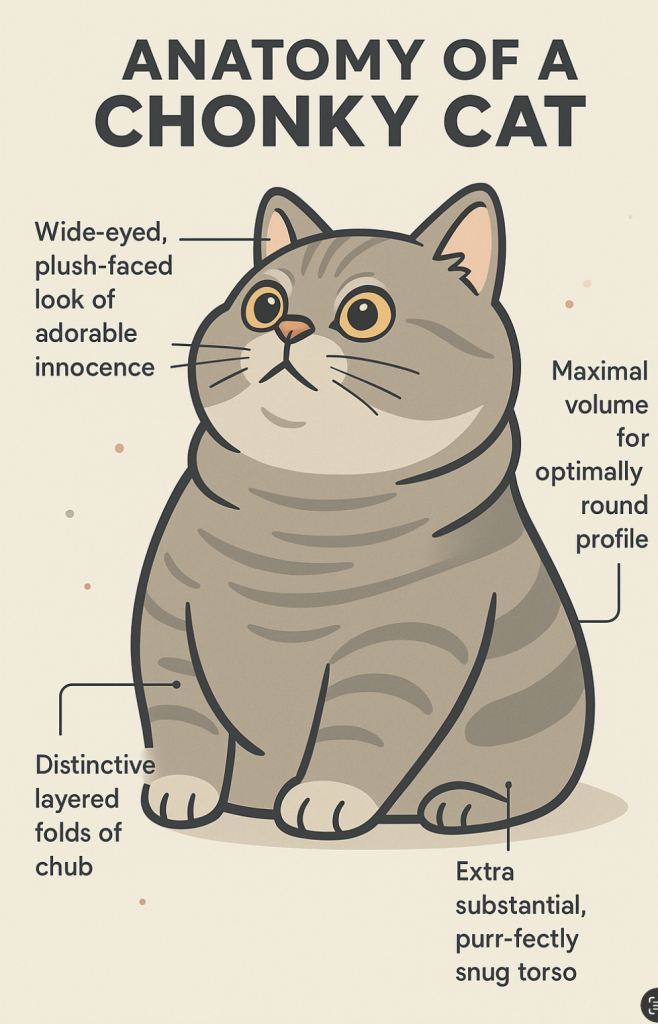
    At Pop-cam, we can make your cat smile funnier.
    Our AI tool transforms any photo into a share-worthy illustrated image.
    Pop-cam helps you bottle up your cat’s personality and make it more social media worthy.
    In the interest of everyone’s time, we have prepared a list of reddits where you can share your cat to.
    See how it works →

    Why the “Cat Smile” Deserves Its Own Gallery

    There’s something about that slight curve of your cat’s mouth, or the half-lidded, plotting-a-crime expression that makes us fall in love all over again.

    From Instagram stories to Reddit fame, Pop Cam helps your cat’s face go places.


    Upload a photo and get a downloadable image in seconds.
    You’ll be amazed at what happens when AI meets cat.

    Share the Cat Smile: Where to Post Your Pop Cam Masterpiece

    Once you’ve turned your cat’s smile into art, the internet’s waiting.
    Cat people are some of the most supportive (and brutally honest) online communities, so why not share the moment?


    Here are our favorite subreddits to upload your Pop Cam image:

    🐱 General Cat Photo Subreddits

    😹 Niche & Funny Cat Subreddits

    🐾 Artistic/Styled Cat Content

    Bonus: For AI-generated cat images

    • r/ImaginaryCats – Fantasy cats & AI styles
    • r/aiArt – Share your Pop Cam creations with fellow AI artists

    🔥 Pro tip: Post a before-and-after carousel. Start with the original cat photo, then slide to the AI-generated illustration. Bonus points if you caption it like a movie poster: “From nap to fame.”


    Stick It—Turn Your Cat Smile into Stickers

    If you’re obsessed with your cat’s smile (and honestly, who isn’t?), why not take it IRL?
    Turn your Pop Cam creation into a sticker, slap it on your laptop, water bottle, or sell it as merch. Here’s where to get high-quality cat smile stickers printed:

    1. Sticker Mule – Die-cut perfection, fast shipping
    2. Redbubble – Sell or order your own cat merch
    3. Zazzle – Endless custom options
    4. Printify – Print-on-demand for shops
    5. StickerYou – Unique shapes, great for small batches
    6. VistaPrint – Affordable classics
    7. Canva Print – Super easy design + print
    8. GotPrint – Premium sticker finishes
    9. MakeStickers – Intuitive and beginner-friendly
    10. Society6 – Turn your cat into art for sale

    Final Thoughts: Don’t Let That Cat Smile Fade

    Cats might be mysterious, aloof, or outright chaotic—but when they flash that iconic cat smile, it’s a moment worth keeping.
    Whether you’re sharing it with the world, making your own meme, or turning it into a sticker, Pop Cam makes it easy to turn those fleeting feline expressions into forever art.

    Try it now, and make your cat famous (or at least sticker-famous).
    👉 Create your cat drawing now

  • Funny Dog Photos Just Got Easier (and Way Funnier)

    Funny Dog Photos Just Got Easier (and Way Funnier)

    We all love that funny dog moment.
    That’s why we have dogs as pets

    Whether it’s your pug stuck in a blanket burrito or your golden retriever making that oddly human face again, funny dog content never fails to brighten our day (or our feed).


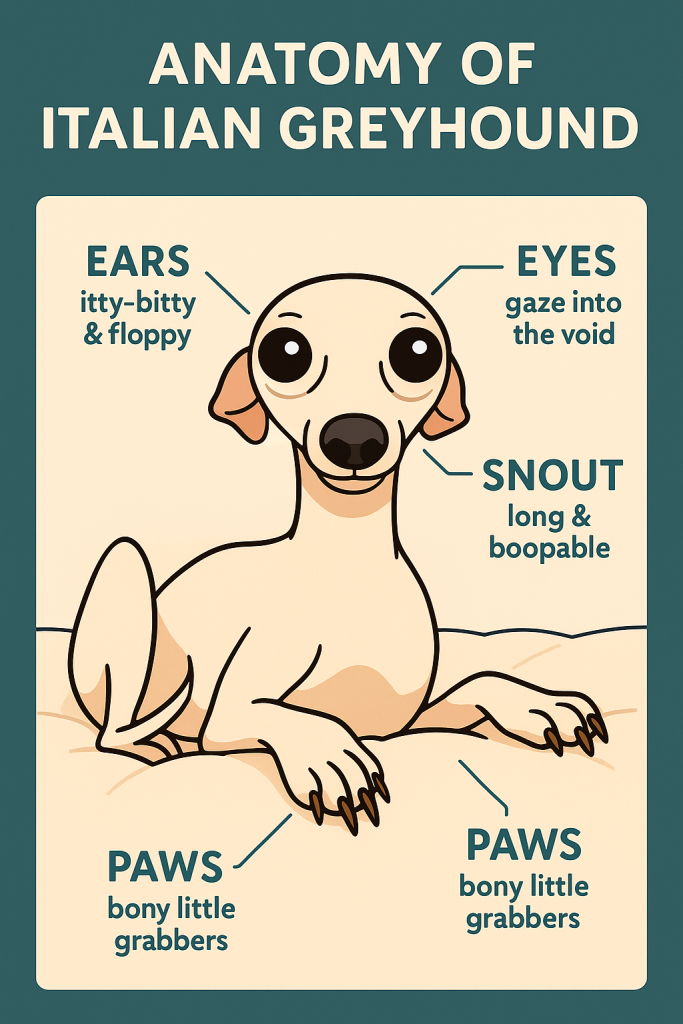
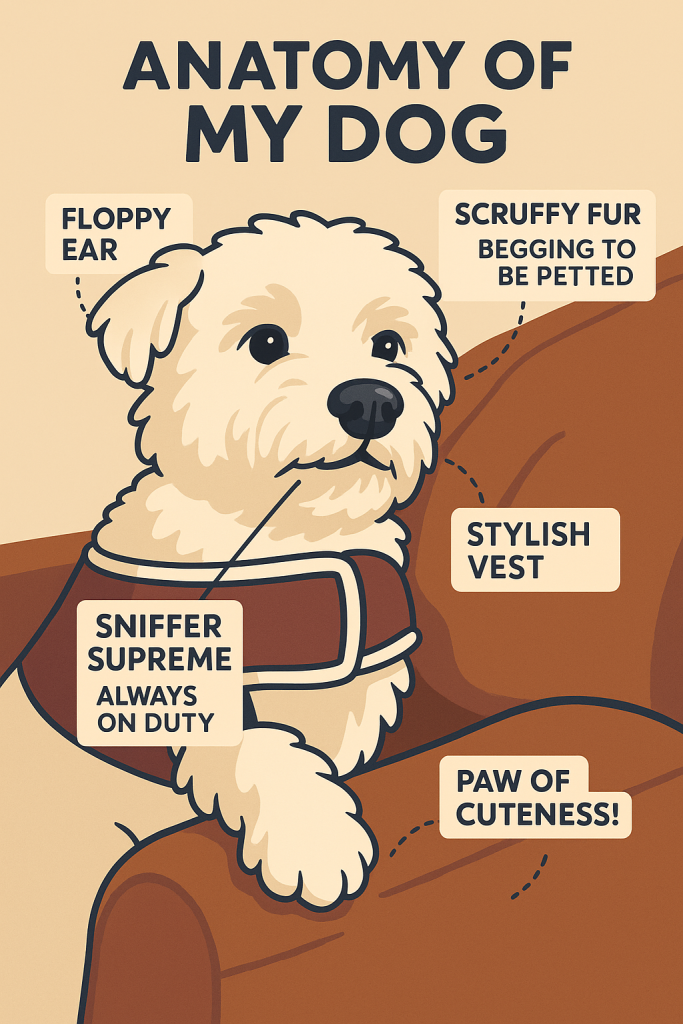
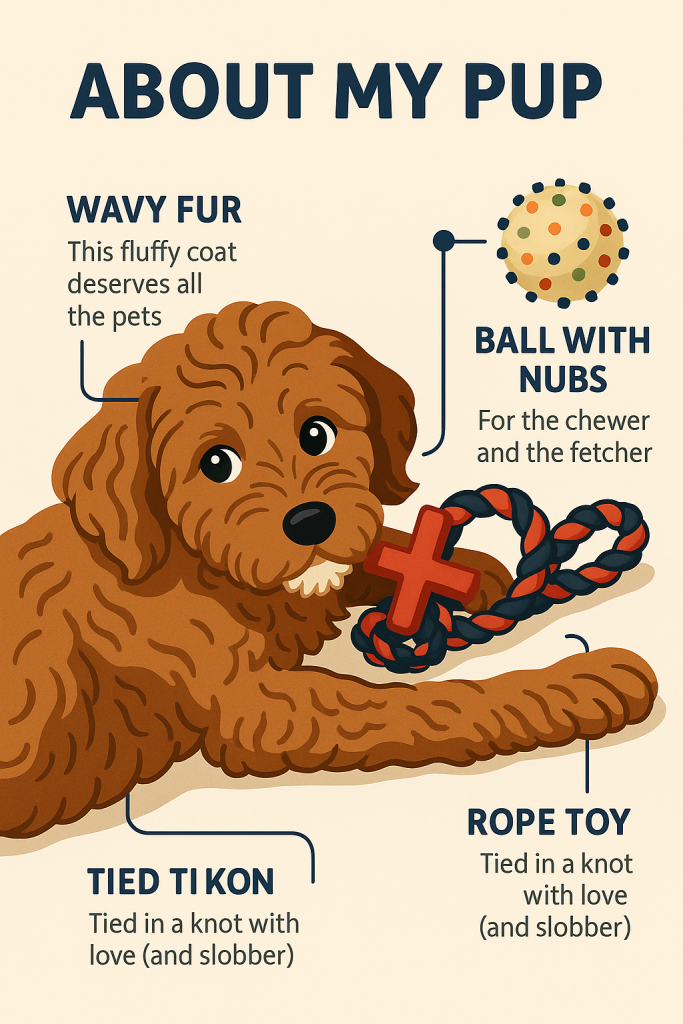
    But what if you could take it to the next level? Like, cartoon-level.

    That’s where Pop Cam steps in.

    Meet Pop Cam: Your Dog’s Personal Meme Machine

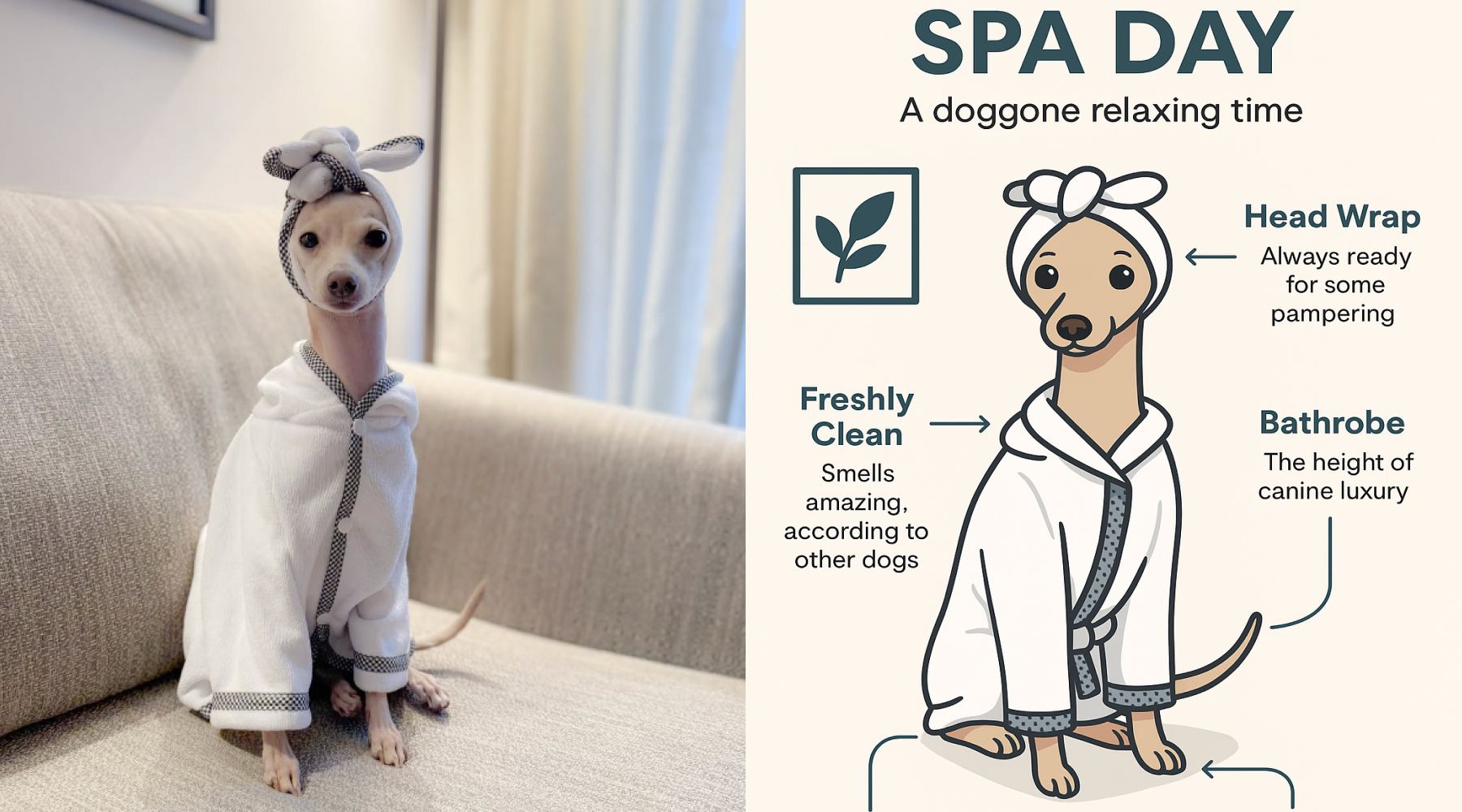
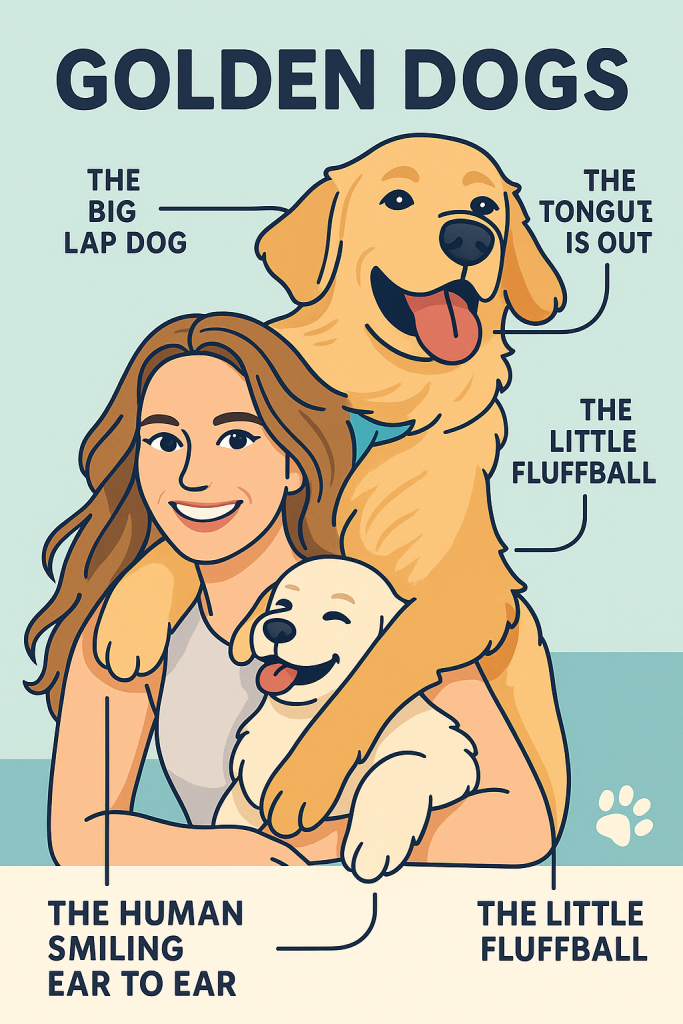
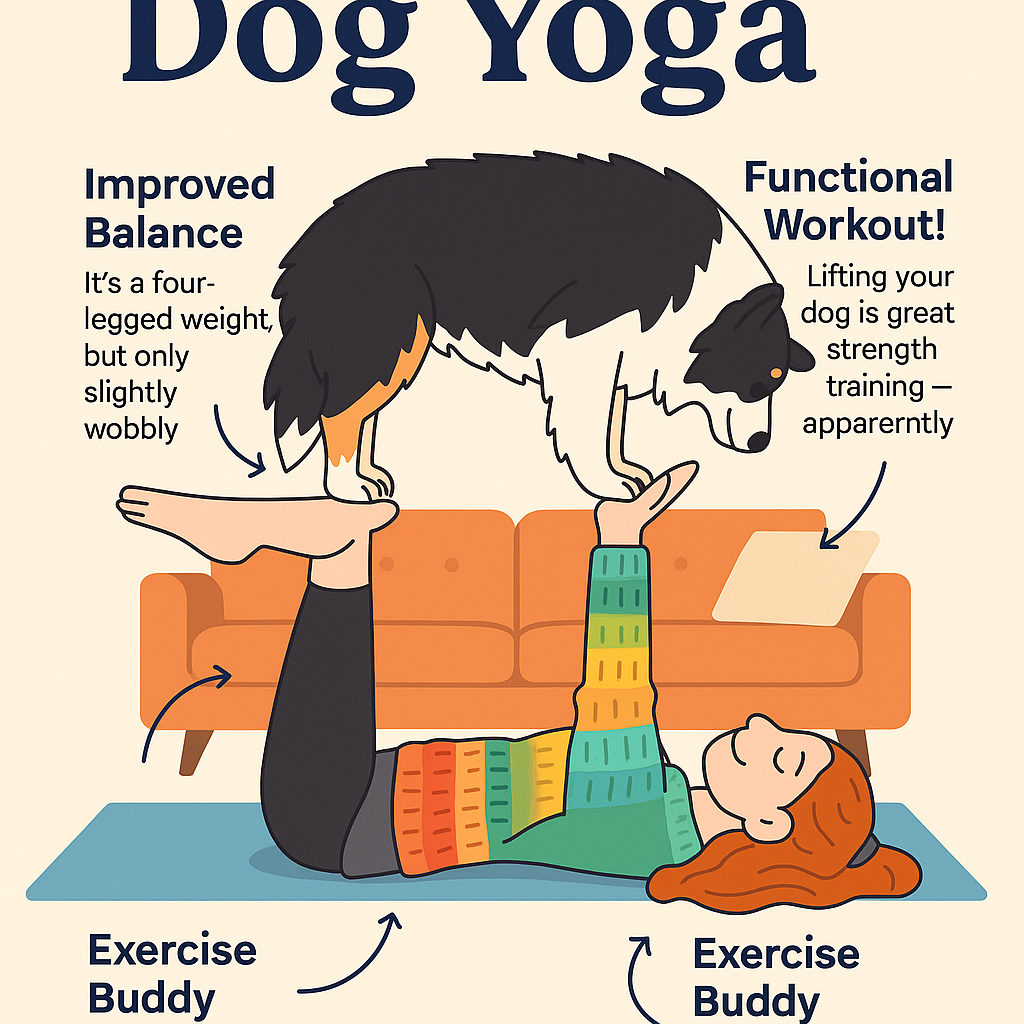
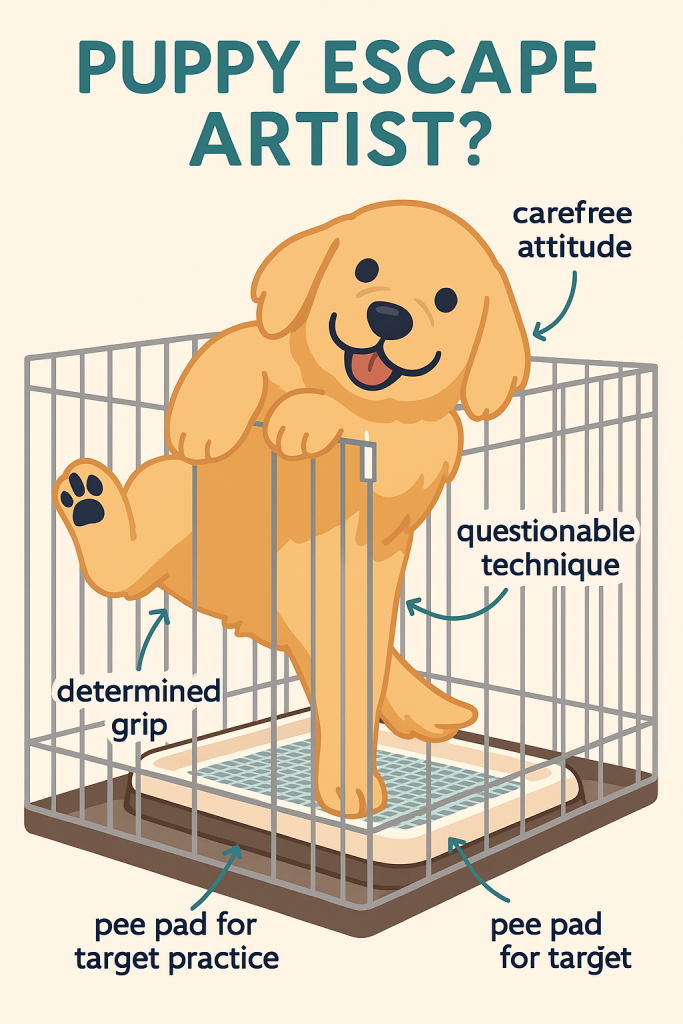
    Pop Cam is a lightweight, AI-powered image tool that turns your everyday dog photo into a funny dog cartoon in just seconds. It’s perfect for people who want to make social media posts that get shared, screenshotted, and LOL-ed at in group chats.

    You upload a photo. Pop Cam works its magic. And boom: your dachshund is now a DJ in sunglasses.

    Or maybe a pirate. Or a yoga teacher. You get to choose.

    Funny Dog Content = Better Engagement

    If you’re running a pet account or just trying to be the fun friend in the group chat, funny dog pics are social gold. Pop Cam’s cartoon style makes your content stand out. It turns everyday snapshots into visual punchlines.

    And because it’s AI-generated, the possibilities are endless. Want your bulldog to be a ballerina? Done. Want your chihuahua to look like it just ran for office? Easy.

    Post the Glow-Up: Before & After Photos

    One of the best parts? You can post the before and after transformation. Start with your original funny dog photo, then reveal the Pop Cam cartoon version — it’s the perfect side-by-side for a carousel post, meme format, or even a TikTok glow-up video.

    Pop Cam users love making reels showing the dog in its natural, goofy glory… and then revealing the stylized, extra-funny cartoon version. It’s a swipe-worthy story format that grabs attention and brings on the laughs.

    Try It: Your Dog Deserves to Go Viral

    We built Pop Cam because we wanted something simple, fast, and ridiculously fun. And it turns out: so did thousands of other pet parents.

    Whether you’re looking to make your friends laugh or level up your dog’s IG aesthetic, Pop Cam delivers.

    Because every dog is funny. We just help make it official.

    More Reads:

    🔗 Wanna see how dogs are drawn in history of mankind?

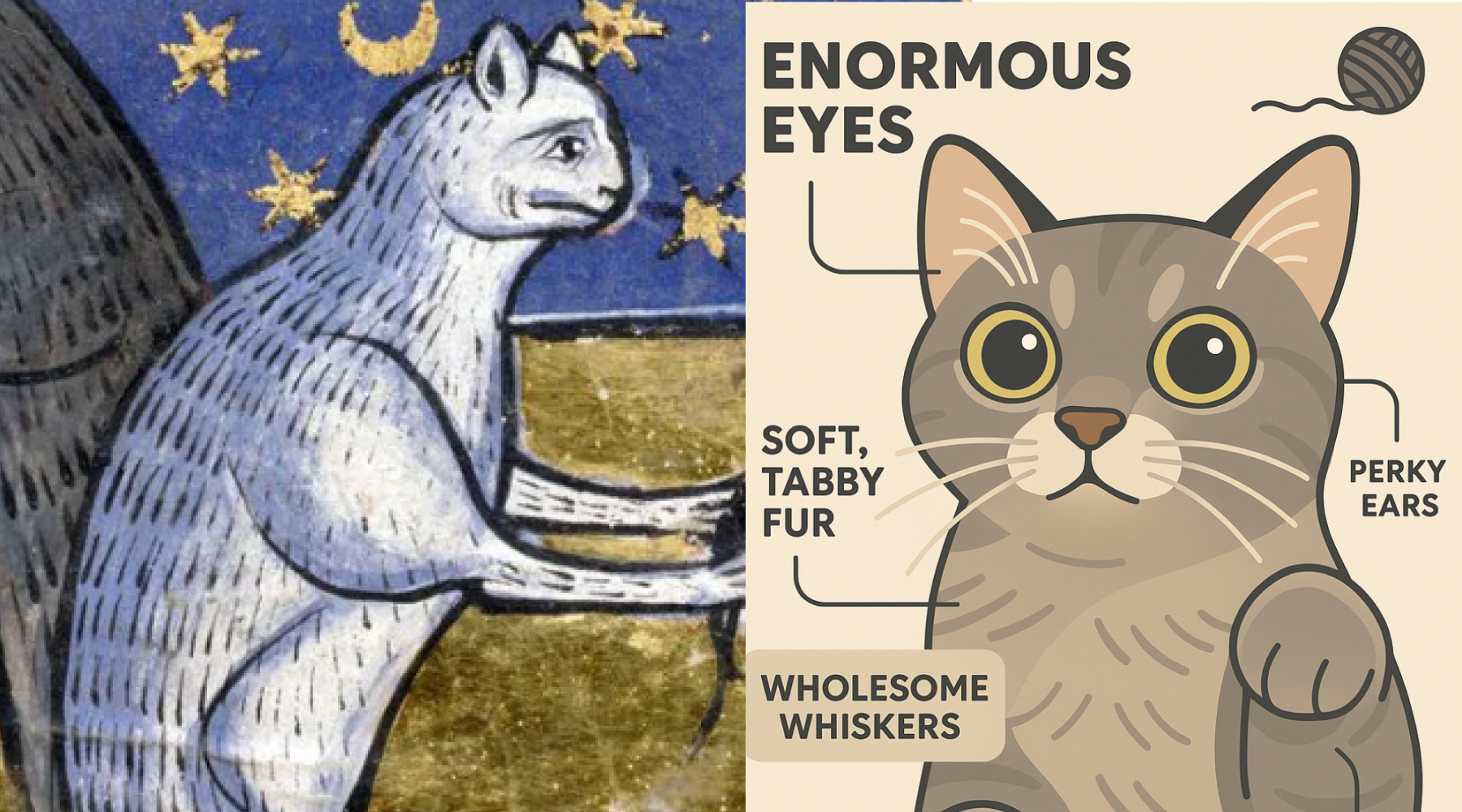
    🔗 If you are a cat lover?See how cat drawings have evolved.

  • Cat Drawing: Turn Your Cat’s Cutest Moments into Shareable Art

    Cat Drawing: Turn Your Cat’s Cutest Moments into Shareable Art

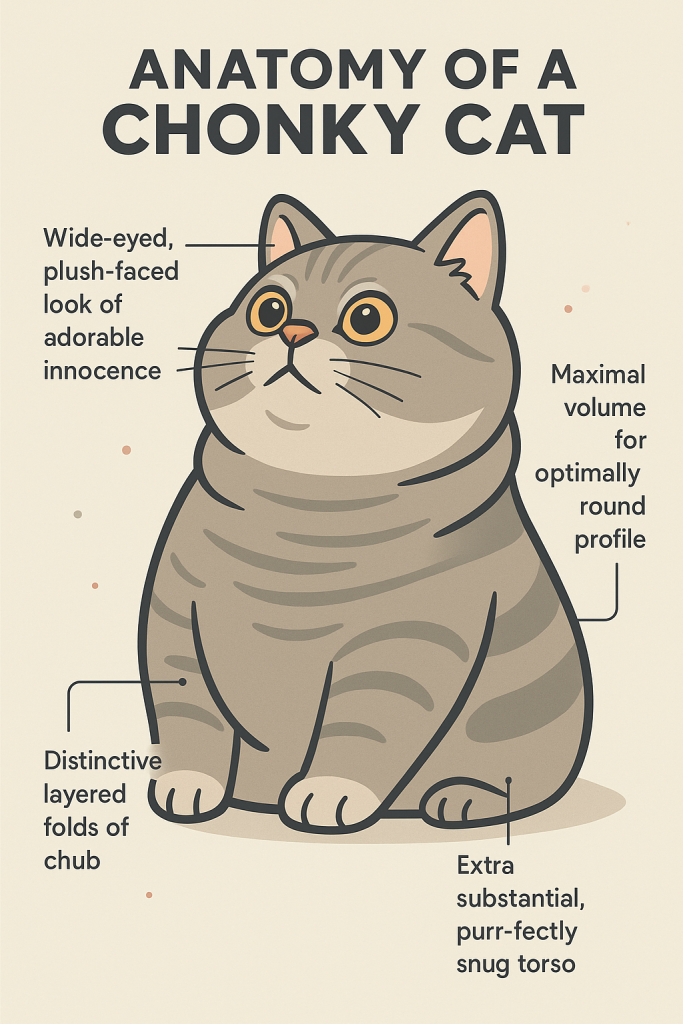
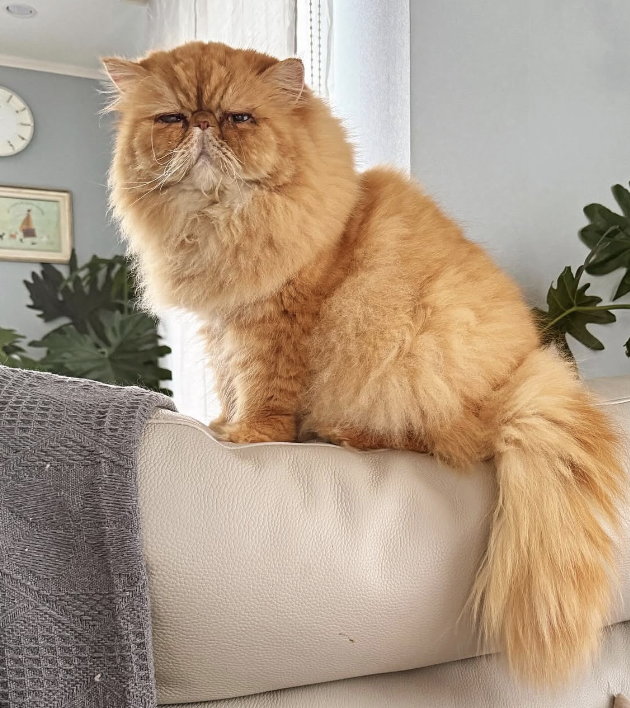
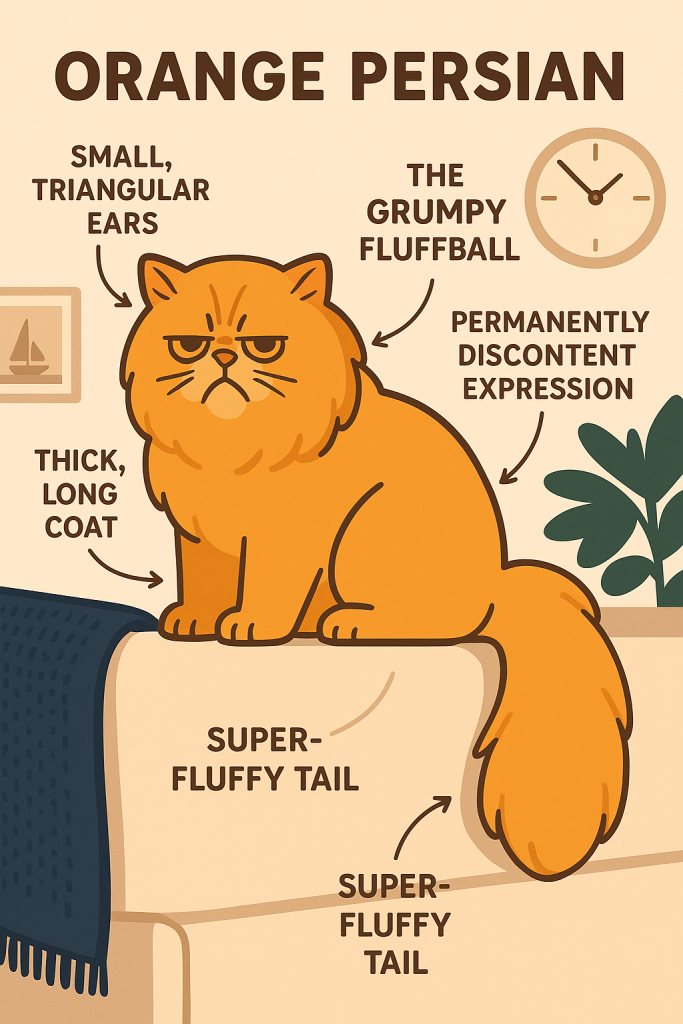
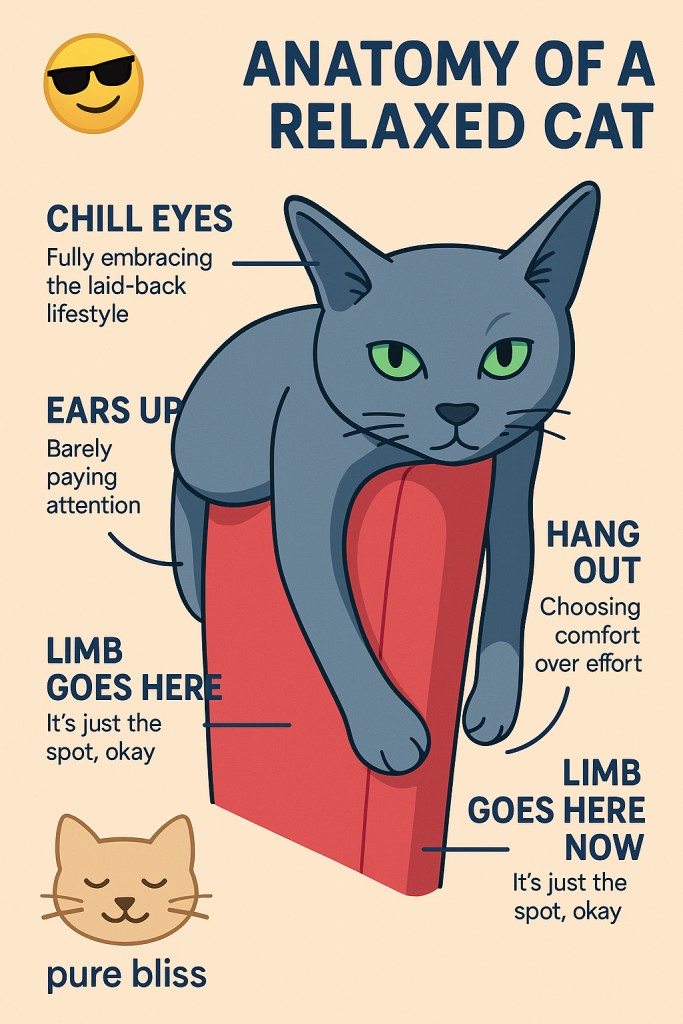
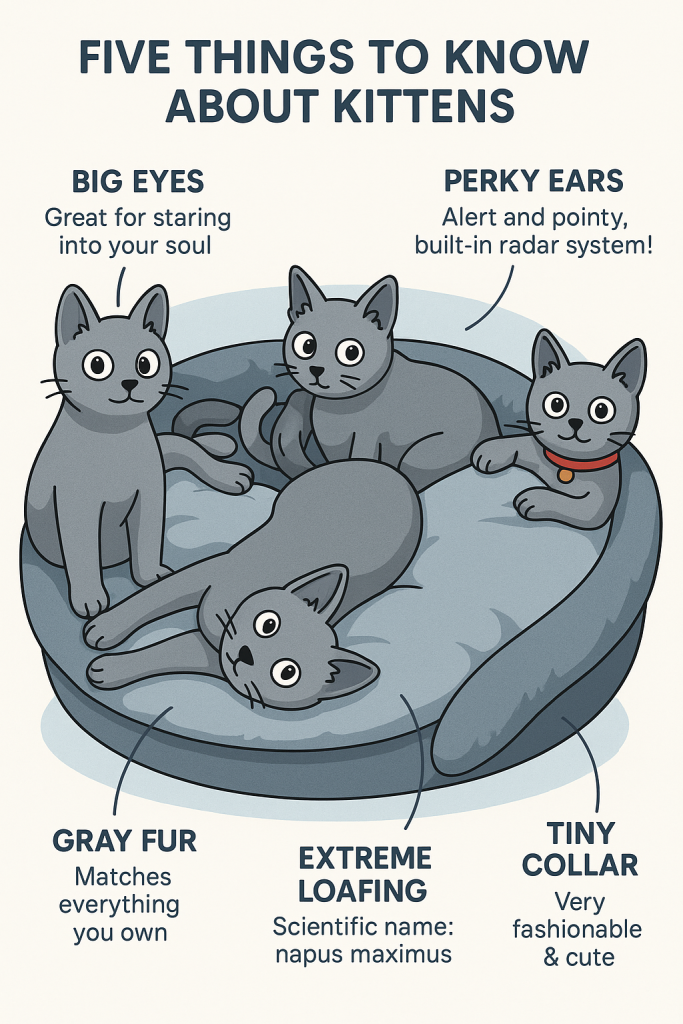
    Cat drawing is the perfect way to capture your cat’s most charming, weird, and hilarious moments. Whether your feline friend is curled up like a croissant or doing a midnight zoomie, turning those photos into cartoon art just makes them even better. If you’ve ever wished your cat’s funny face could become a shareable masterpiece, welcome to the world of cat drawing—now made smarter and cuter with AI.

    A Brief History of Cat Drawing: From Temples to TikTok

    Cat drawings are nothing new.

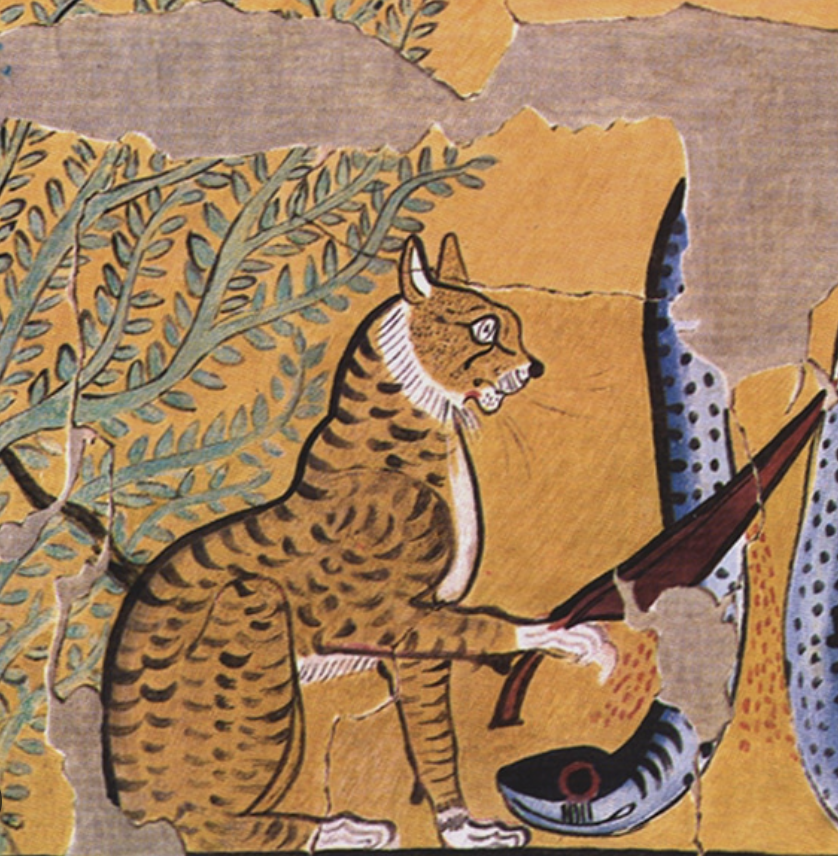
    • Ancient Egypt: Cats were considered sacred animals and often depicted in detailed wall paintings and sculptures. Artists drew cats with elegant lines, often in profile, showcasing their divine aura and protective symbolism. These drawings were spiritual, ceremonial—and always respectful.
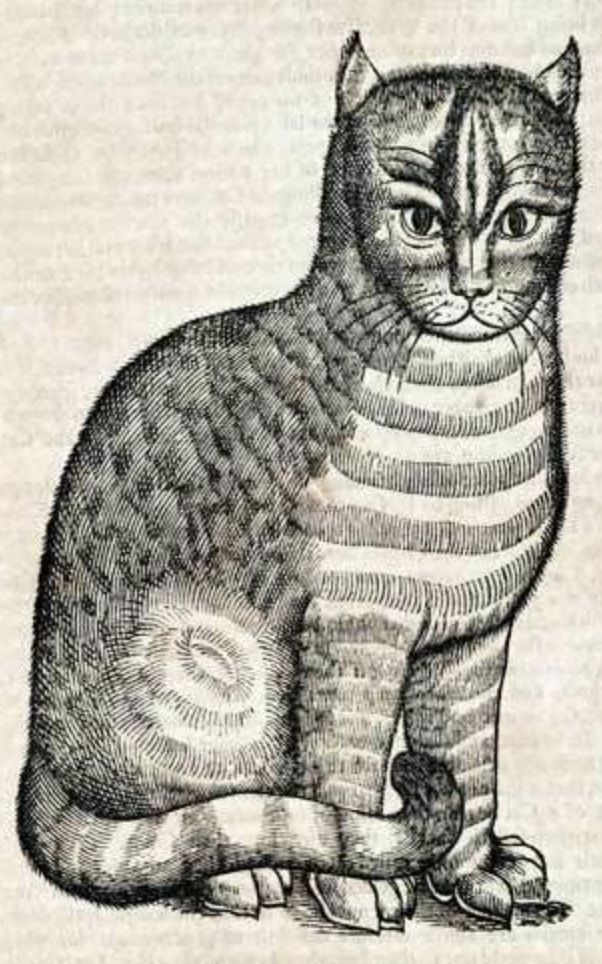
    • Medieval Manuscripts: In 13th-century Europe, monks and scribes doodled cats in the margins of illuminated texts. These spontaneous sketches captured cats in playful or mischievous moments—proving even centuries ago, people were fascinated by feline behavior.
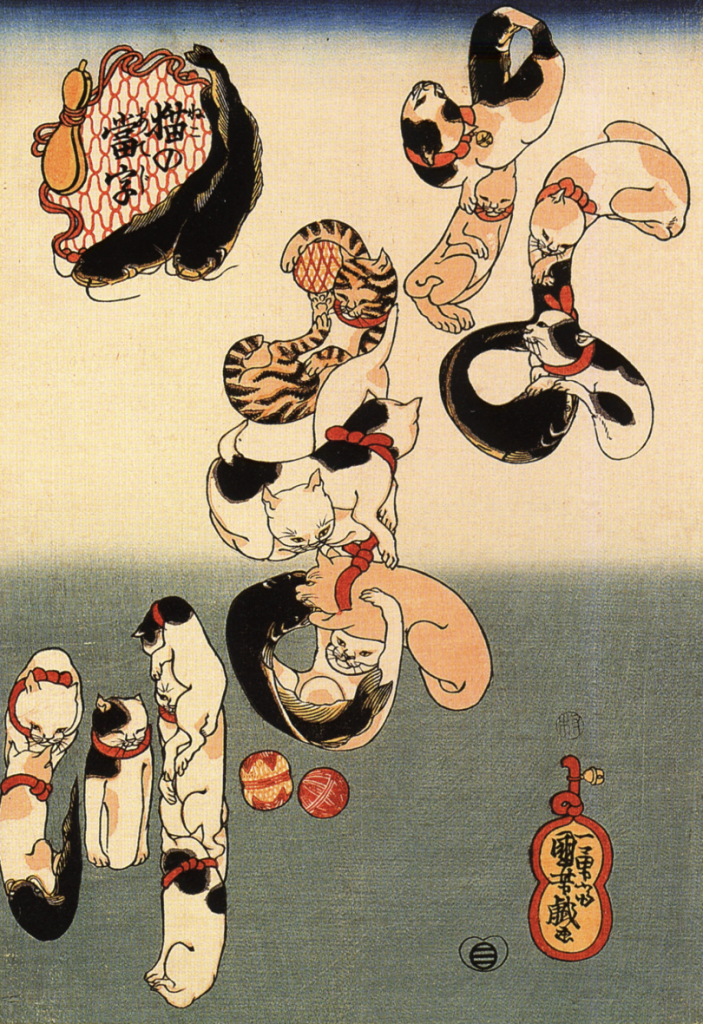
    • Japanese Ukiyo-e Prints: During the Edo period, artists like Utagawa Kuniyoshi created expressive cat woodblock prints with human-like postures and emotions. Cats were even used as political satire, showing their cultural depth and playfulness.
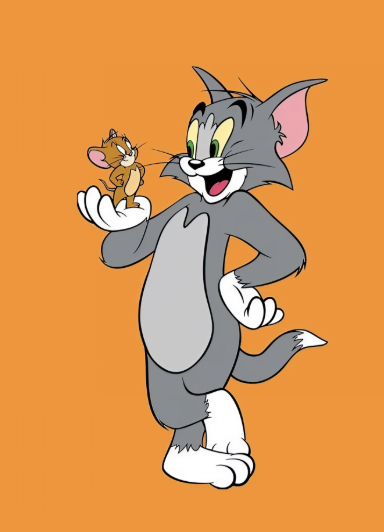
    • Modern Pop Culture: 20th-century cartoons like Tom & Jerry, Garfield, and Hello Kitty gave rise to cat drawing as a genre that was equal parts humor, cuteness, and social commentary. These characters shaped generations.

    Why Cat Drawings Are So Popular Right Now

    Let’s be honest: cat photos are great, but cat drawings?

    They’re timeless.

    From ancient Egyptian murals to modern meme culture, cats have always been artistic muses. In 2025, this obsession has found a new form: turning cat photos into stylized drawings with a touch of humor.

    Whether it’s to create a pet diary, share your cat’s mood on social, or simply make your friends laugh, cat drawings are becoming the go-to creative format.

    From Photo to Drawing: How Pop-Cam Works

    With Pop-Cam, you don’t need to hire an artist or download complicated design software. Just upload a cute photo of your cat—whether from your phone or computer—and let the AI work its magic.

    What you get is not just a drawing, but a captioned cartoon-style interpretation. It may say something like:

    “I didn’t choose the nap life. The nap life chose me.”

    “Plotting to destroy the curtain. Again.”

    Each drawing captures the vibe of your cat, and adds a layer of human-style humor. It’s purr-sonalized, meme-ready, and instantly shareable.

    What Makes AI Cat Drawings So Special?

    Here’s what’s winning hearts:

    • Stylized visual identity – The art feels polished, not generic.
    • Custom captions – Pop-Cam adds funny or sarcastic commentary, making each drawing emotionally resonant.
    • Perfect for printing or sharing – Post it on Instagram, print as a sticker, or gift it to a cat-loving friend.

    And let’s not forget the dopamine hit when your group chat says, “OMG, this is SO your cat.”

    And it takes no time to make!

    Use Cases: Who’s Loving This?

    • Pet parents documenting their cat’s daily drama
    • Artists looking for inspiration or new formats
    • Small brands wanting to showcase their mascot
    • People looking for gifts for cat lovers

    You don’t need to be tech-savvy. Just snap, upload, and smile.

    Try Your Own Cat Drawing with Pop-Cam

    Whether your cat is a diva, a gremlin, or an innocent loaf, Pop-Cam turns your photo into something that makes you—and your followers—laugh and love them even more.

    Generate your own cat drawing now on Pop-Cam – it’s fast, free, and way too cute to ignore.

  • Baby Clipart: Create Your Designs with Pop-cam

    Baby Clipart: Create Your Designs with Pop-cam

    Most baby clipart online either comes with a price tag or a confusing license.

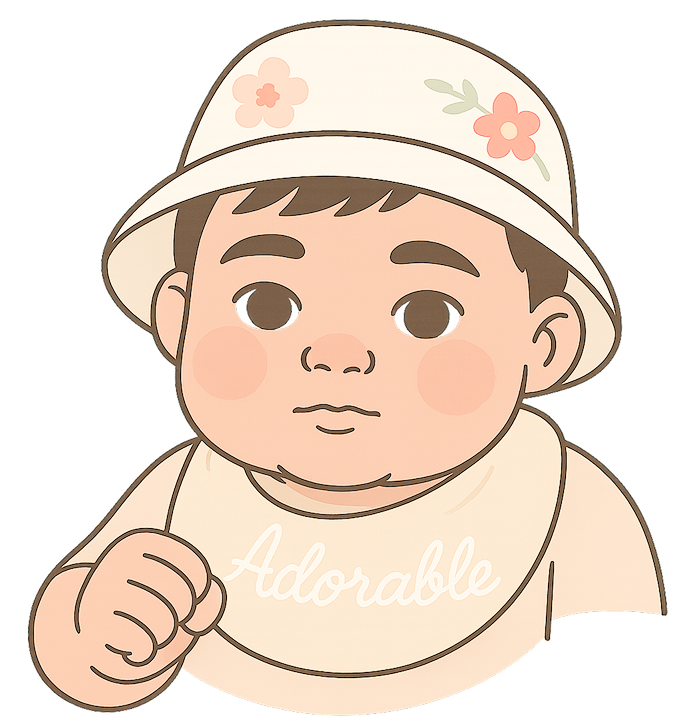
    Baby clipart generated by pop-cam

    Most people stay Chatgpt, but with Chatgpt you need to prompt continuously and the work can be tedious, not to mention the $20 subscription fee!

    So, what’s the workaround? Here is a quick way to create baby-clipart quickly and License-Free.

    We’ll show you how to make your own high-quality baby clipart using Pop-Cam—without worrying about copyright issues. Let’s get into it.

    Step 1:Snap some Adorable Baby photo and upload

    go to pop-cam.com, sign up for free and upload the baby photos
    In our example, we went ahead and searched some pictures from google.

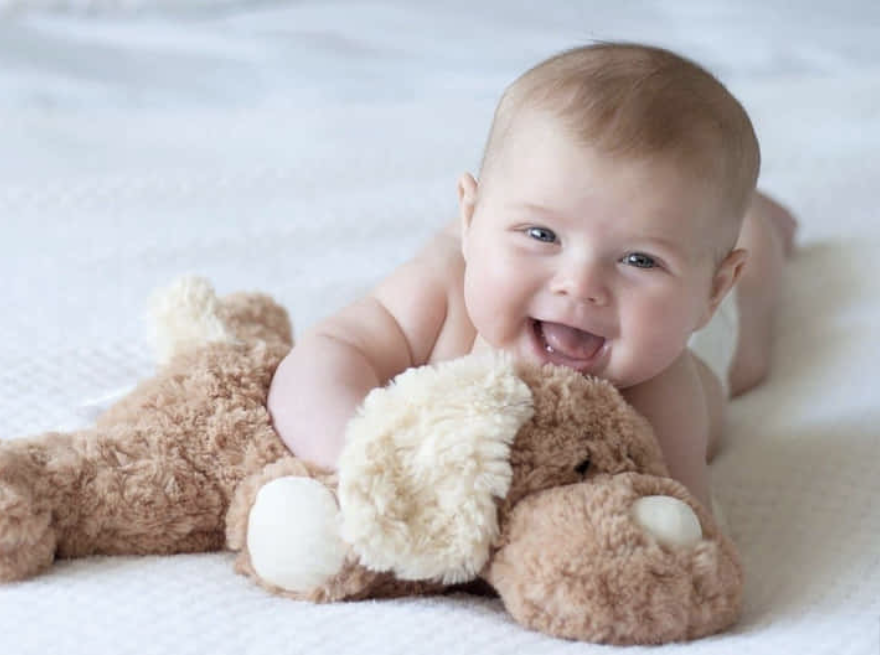
    A cute baby image from the internet
    babies are always cute
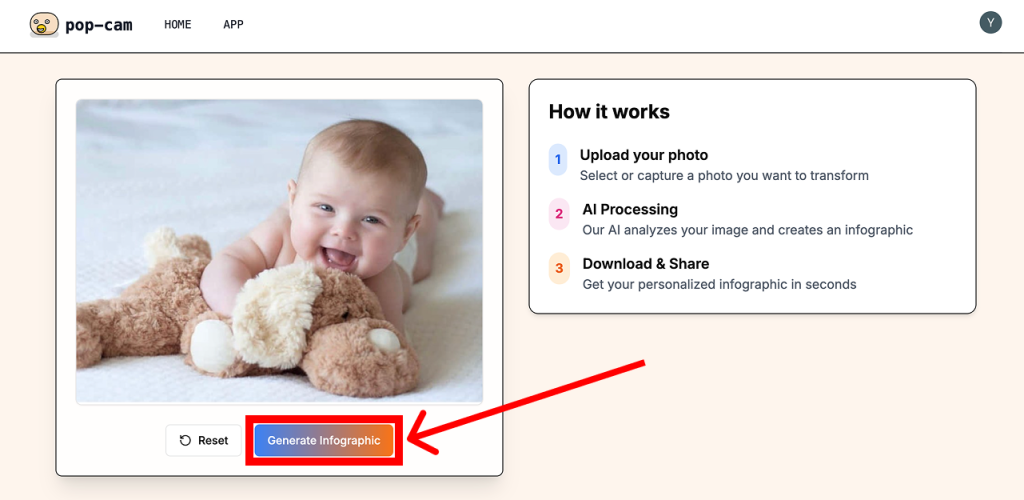
    a screenshot of where generate button is on pop-cam

    Step 2: Generate Infographics

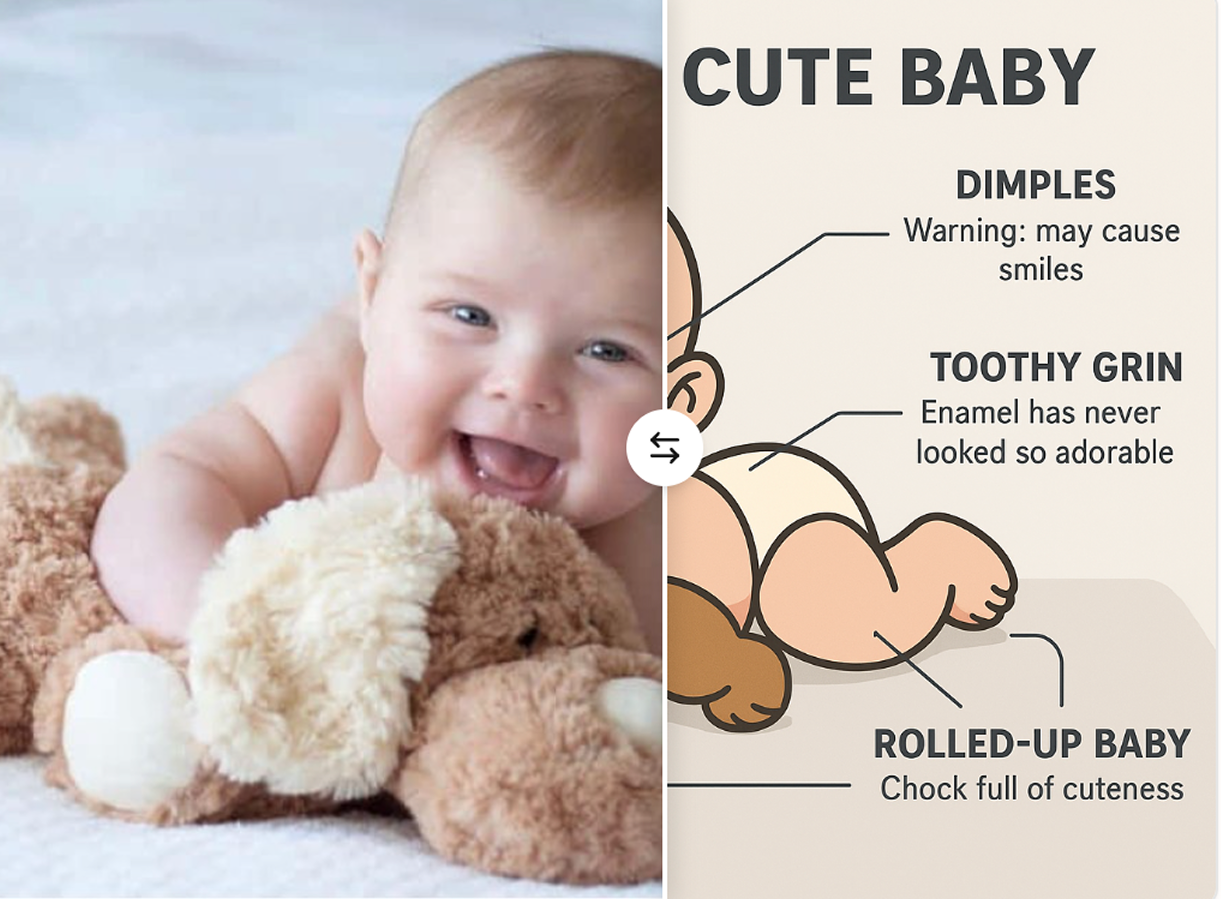
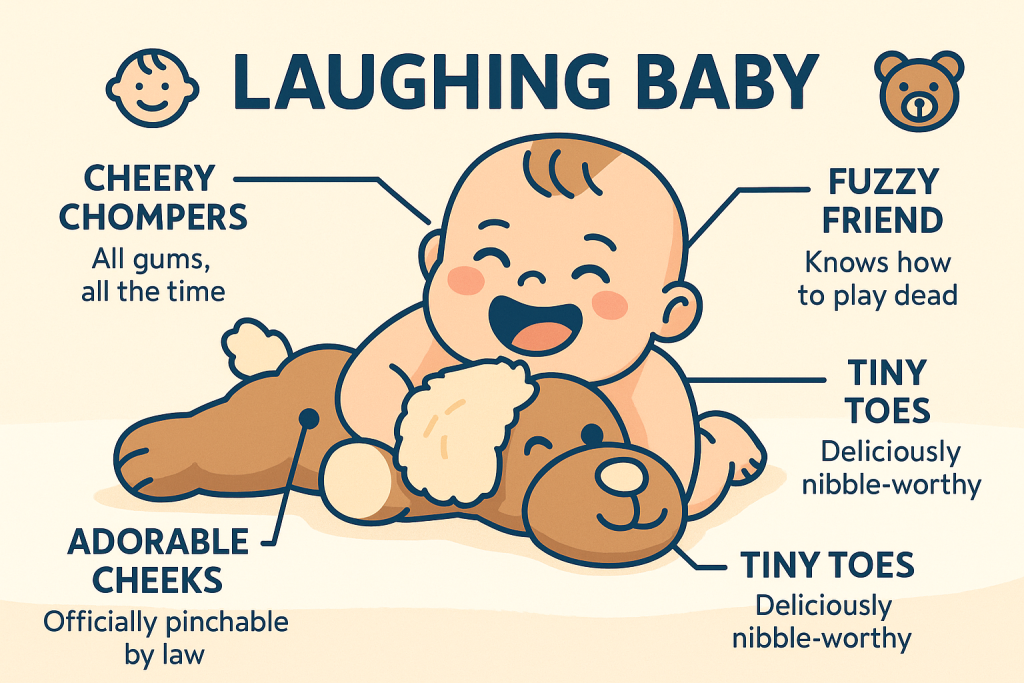
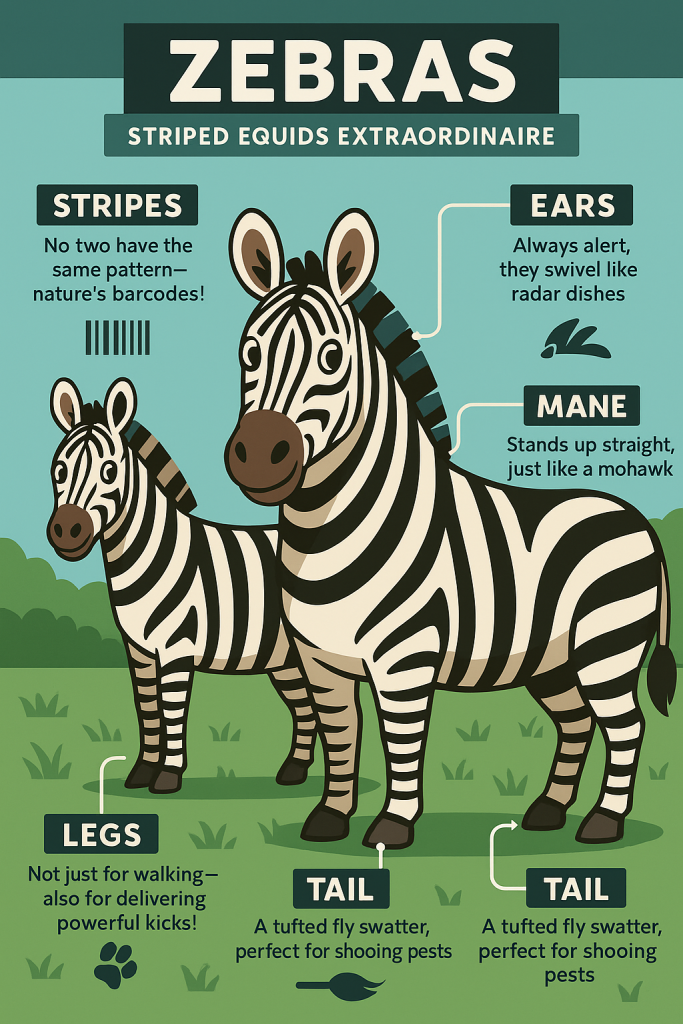
    Pop-cam’s default function will generate cartoon infographics.

    Infographics of a baby holding a plush toy
    Generated Infographics

    Pretty Good!

    But it comes with all the text and labels. If you want a clean clipart,you don’t want these texts and labels.

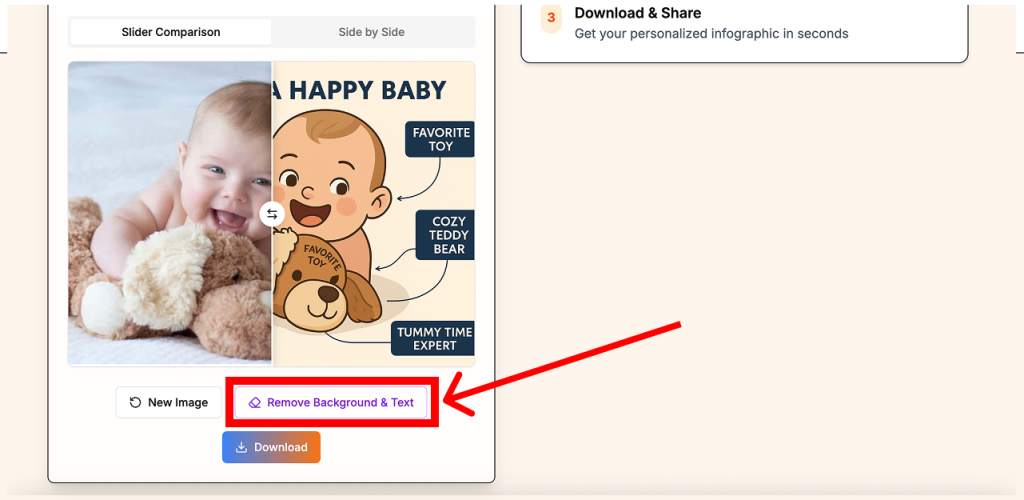
    Step 3: Remove Background and Text

    You can use Pop-cam’s remove background and text function in one click of a button.

    screenshot of showing where remove background is on the page
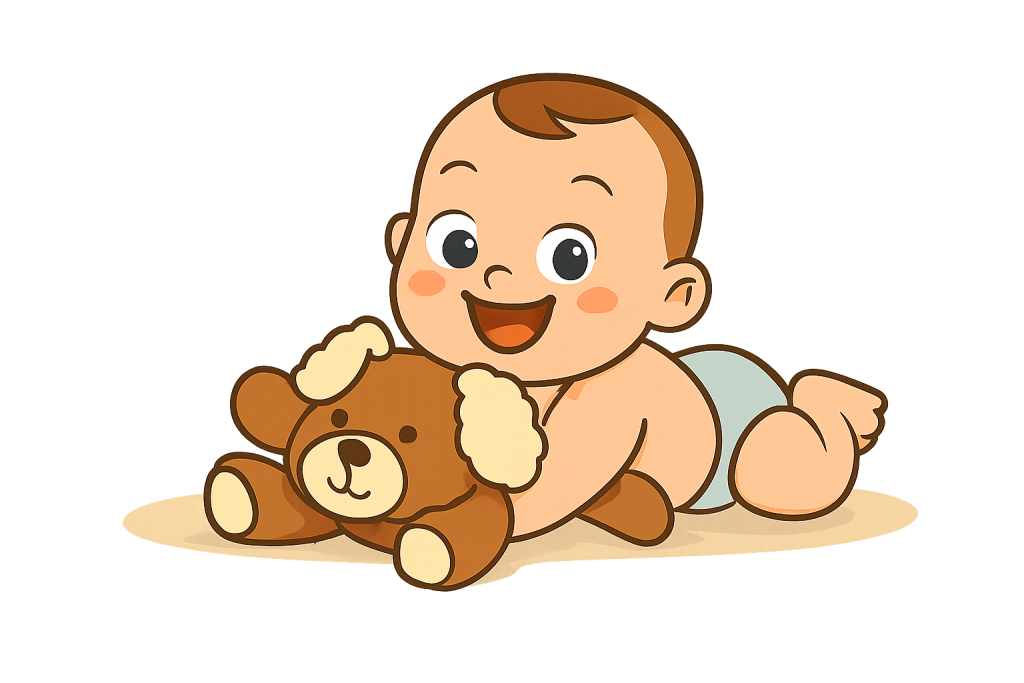
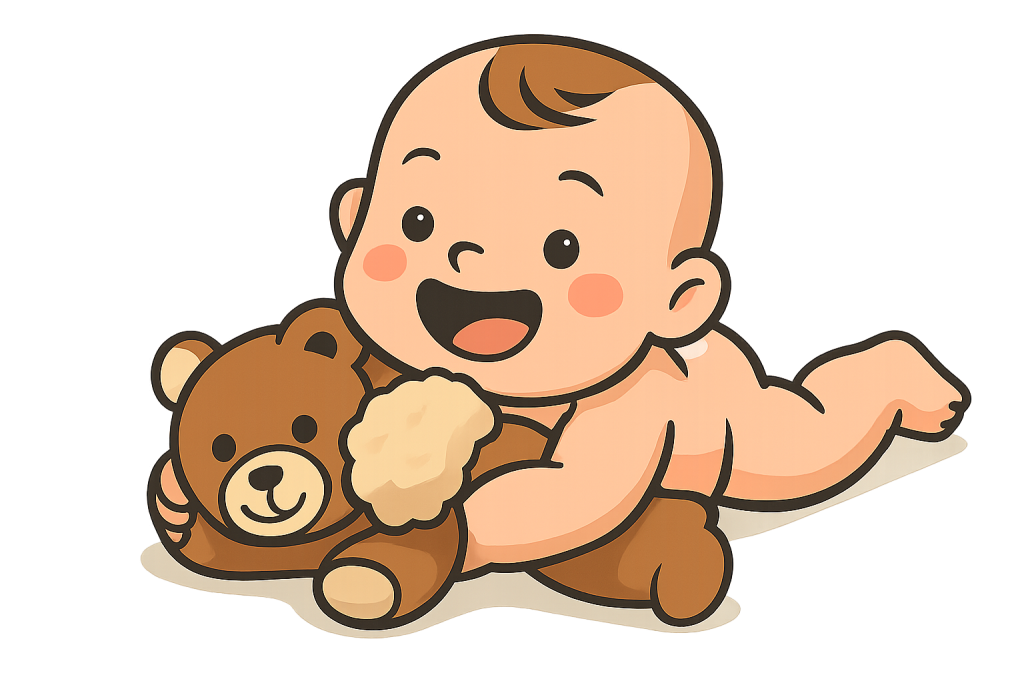
    clipart ofa baby with plush bear in cartoon style
    clipart ofa baby with plush toy in cartoon style
    all the text and background removed, made into a nice .png

    Then you have a clean clipart good to go!


    Use Pop-Cam to Create All Kinds of Clipart—Not Just Babies

    The same fast and easy method can be used to generate all kinds of clipart—whether you’re working on classroom materials, social media stickers, or printable art.

    Animal Clipart

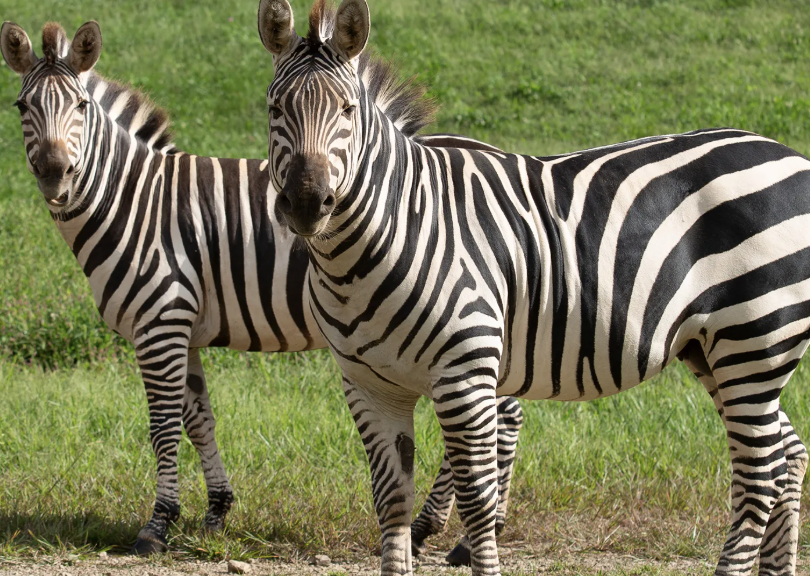
    Need a sleepy cat? A dancing penguin? A cartoon dog with heart-shaped glasses? Or some cute Zebras? Pop-cam works with any picture.
    A pair of zebras grazing in a lush green field, surrounded by tall grass and a bright sky.
    Infographics of a pair of zebras grazing in a lush green field, drawn in an illustration style.
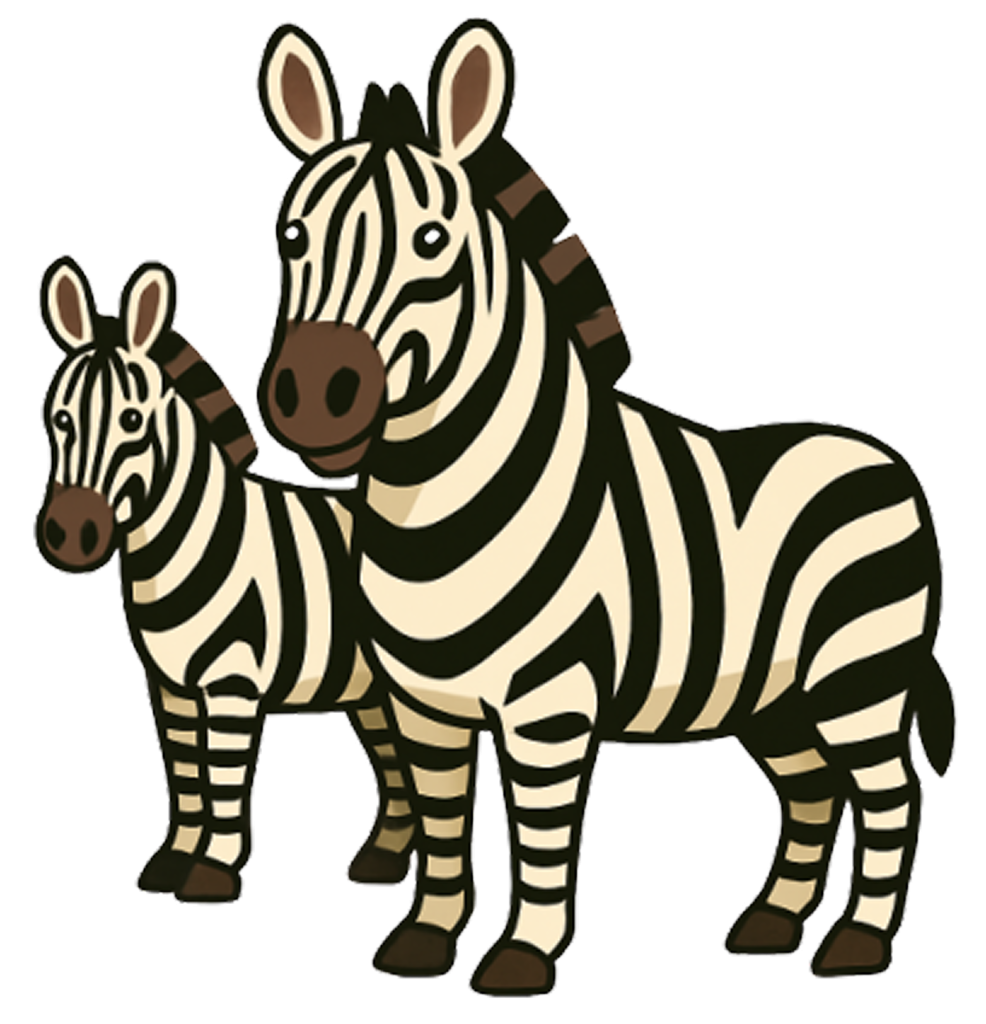
    Two zebras standing side by side in a natural setting, showcasing their distinctive black and white stripes.
    A nice Zebra Clipart

    Floral Clipart

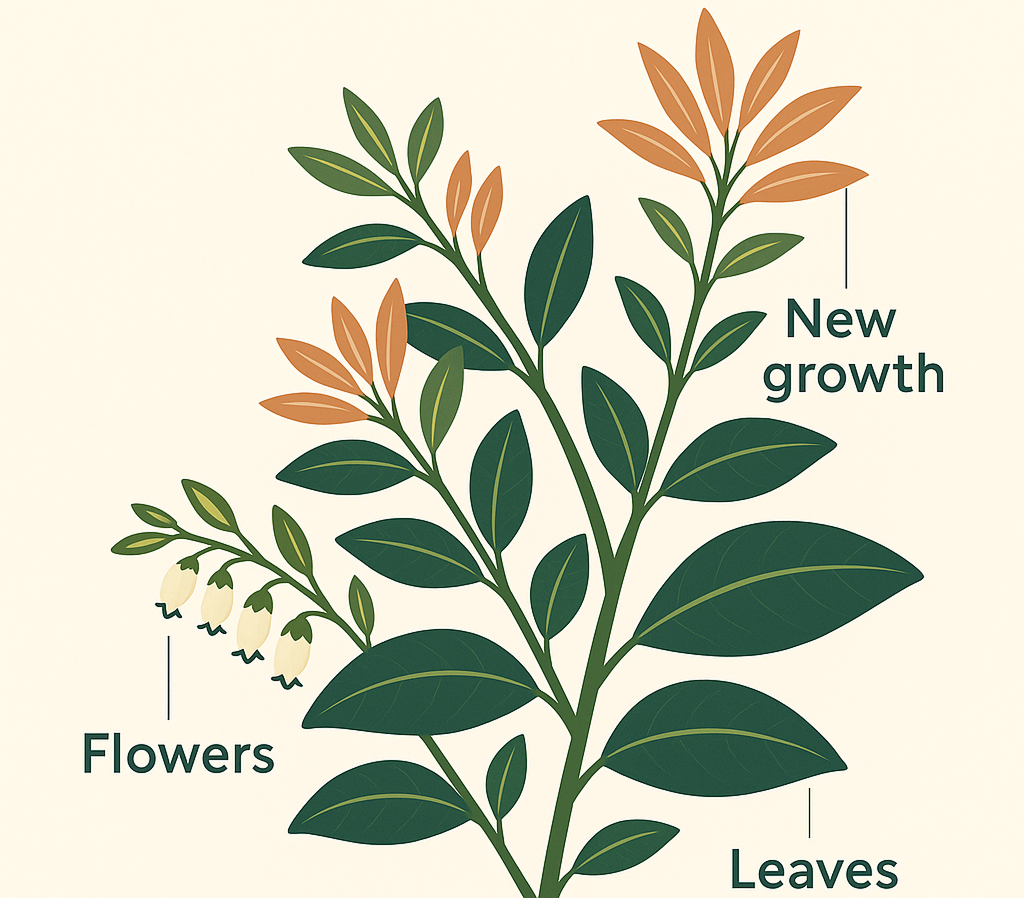
    Planning a wedding invite or a spring-themed blog post? Upload photos of roses, daisies, cherry

    infographics of a flower

    Whether you’re designing for print or digital, Pop-Cam makes it easy to build your own clipart library—no subscriptions, no licensing headaches, just your own creativity turned into clean, downloadable images.