Creating a 3D figurine from photo used to require expensive scanning equipment or professional 3D modelers. Not anymore. With AI-powered tools, anyone can transform their selfies, family photos, or pet pictures into stunning collectible-style figurines in under 60 seconds—completely free.
In this guide, we’ll show you exactly how to create 3D figurines of yourself, your loved ones, or even your pets using Pop-Cam’s Nano Banana AI generator. No design skills required, no software to download, and no watermarks on your final images.
What Is a 3D Figurine from Photo Generator?
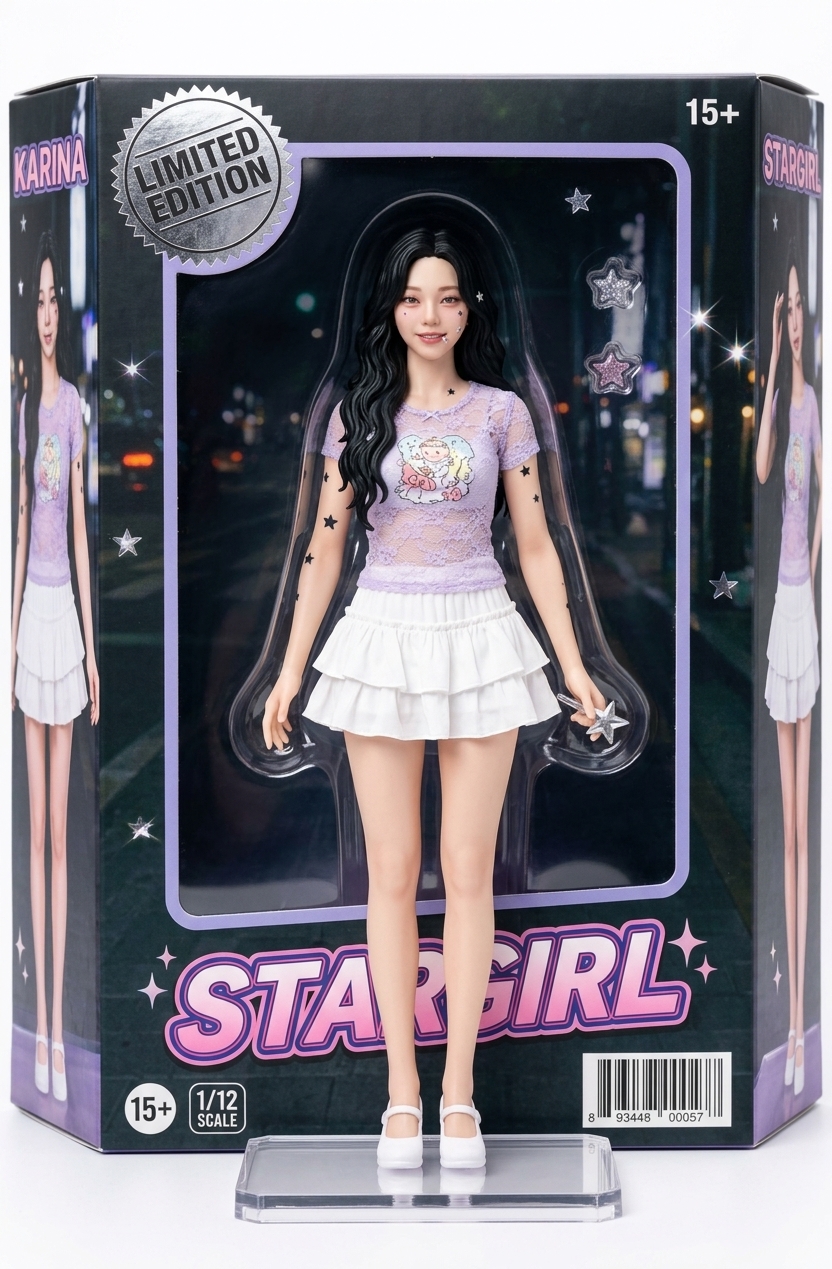
A 3D figurine from photo generator is an AI tool that analyzes your uploaded image and transforms it into a realistic, collectible-style 3D figure render. Think of it like those expensive custom action figures you see online—except you can create the concept image instantly and for free.
These AI generators don’t create actual physical 3D models (STL files for 3D printing). Instead, they produce high-quality images that look like professional product photography of a figurine in packaging—perfect for social media, gift mockups, or visualizing what a custom figure could look like before ordering one.
How to Create 3D Figurines from Photos (Step-by-Step)
Follow these simple steps to turn any photo into a 3D figurine of yourself or anyone else:
Step 1: Choose Your Photo
Select a clear photo with good lighting. Front-facing portraits work best. The AI needs to see facial features clearly to create an accurate likeness.
- Use photos with neutral or simple backgrounds
- Ensure the face is well-lit and not obscured
- Full-body shots work for action figure styles
- Pet photos also work great for custom pet figurines
Step 2: Go to Pop-Cam’s Nano Nano Banana
Visit Pop-Cam’s Nano Banana or use the Nano Banana image generation tool. This is the same AI engine (Gemini 2.5 Flash) that powers many popular action figure generators online.
Step 3: Upload and Generate
Upload your photo and select the figurine style you want. Options typically include:
- Classic Action Figure – Toy packaging style with blister pack
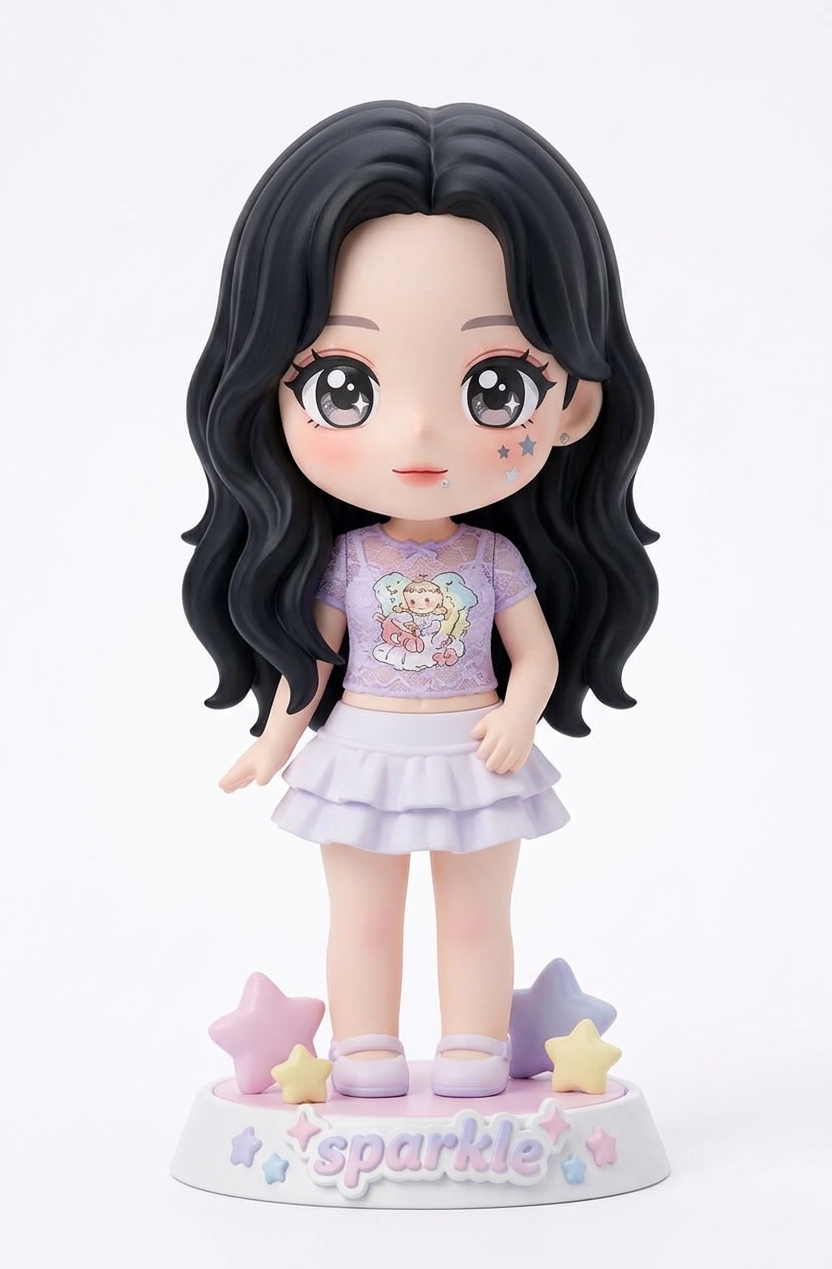
- Anime/Chibi Style – Cute, stylized figurine look
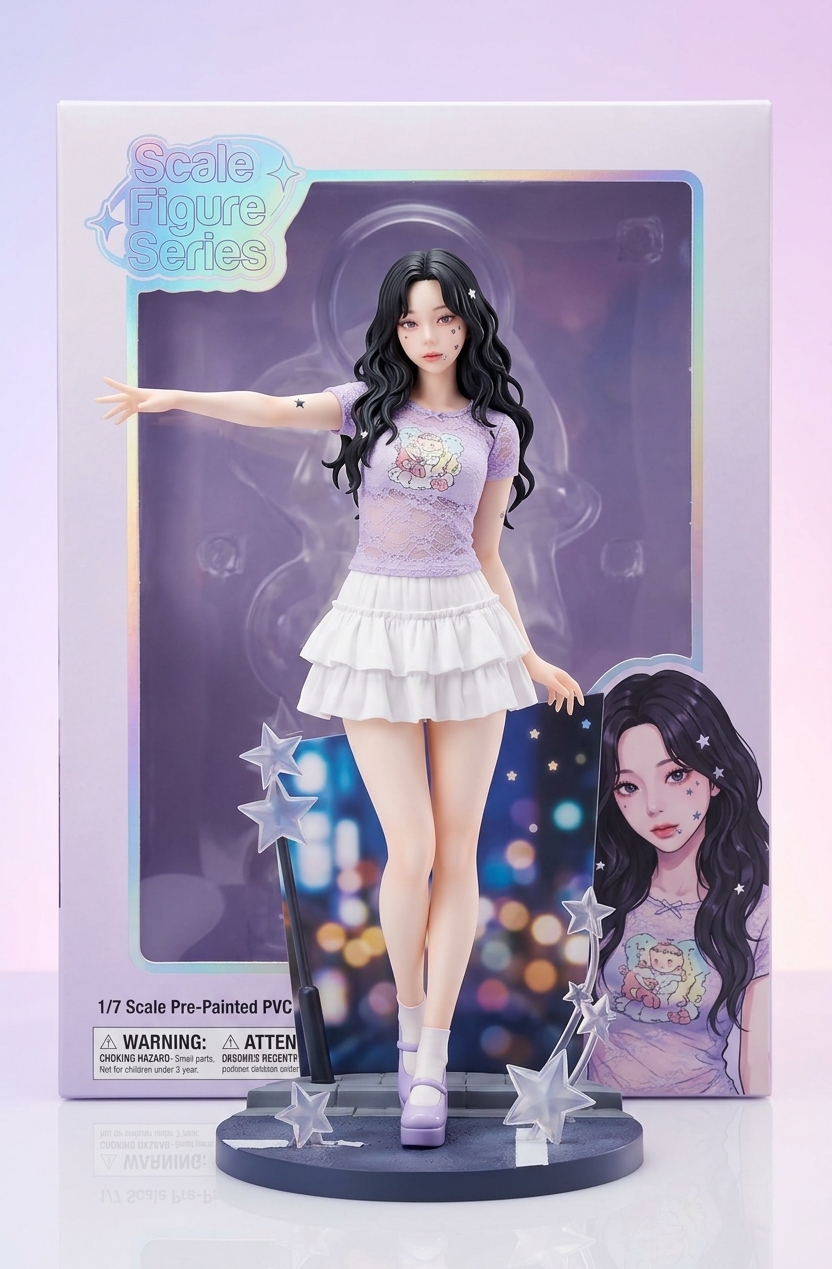
- Realistic Collectible – High-detail statue appearance
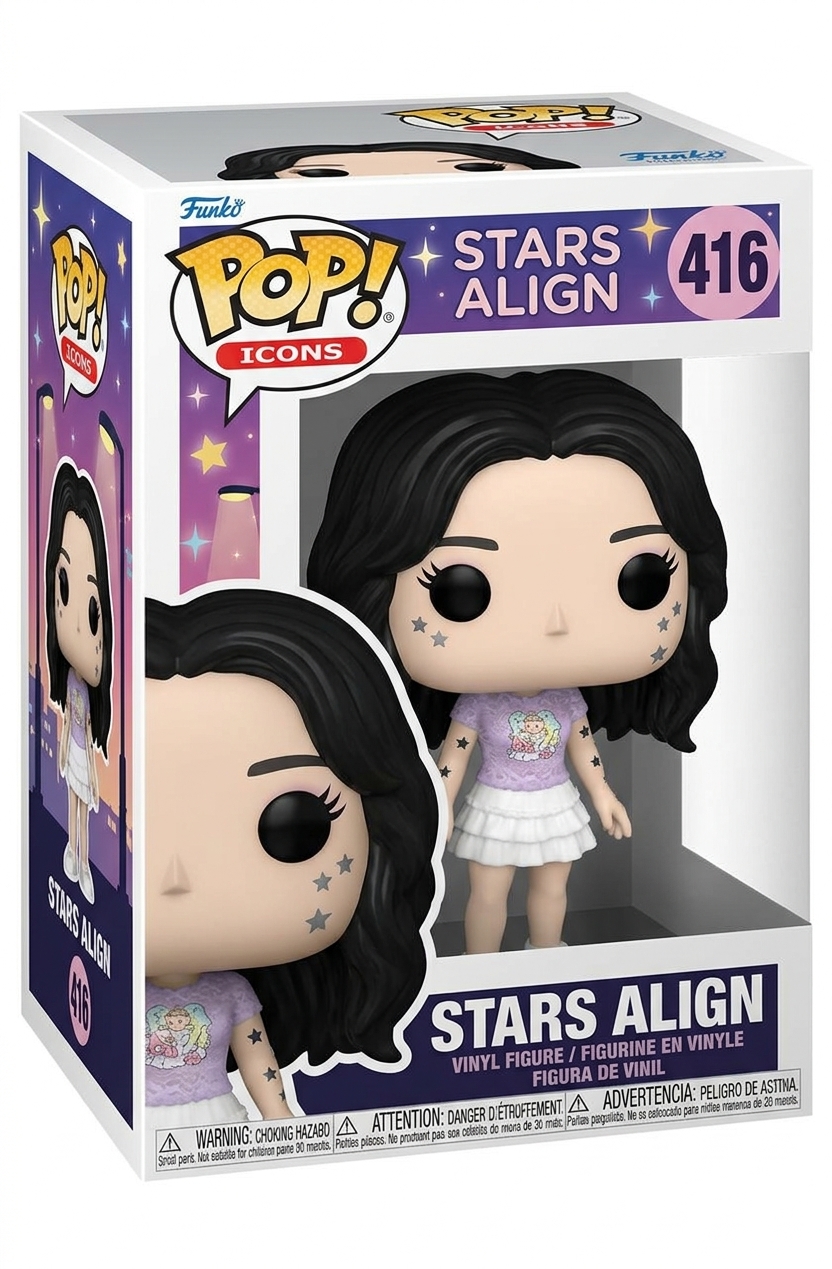
- Funko Pop Style – Big head, small body vinyl figure look
Step 4: Download Your 3D Figurine Image
Once generated, download your image in high resolution. There’s no watermark, so you can use it immediately for social media, gifts, or print.
Why Use Pop-Cam for 3D Figurines from Photos?
There are dozens of 3D figurine from photo tools online. Here’s why Pop-Cam stands out:
| Feature | Pop-Cam (Nano Banana) | Other Tools |
|---|---|---|
| Price | Free tier available | Often $5-20 per image |
| Watermark | No watermark | Usually watermarked |
| AI Model | Gemini 2.5 Flash (latest) | Older models |
| Sign-up Required | Optional | Usually required |
| Identity Fidelity | High (face accuracy) | Varies widely |
| Style Options | Multiple styles | Often limited |
Best Use Cases for 3D Figurines of Yourself
Why would you want to create 3D figurines of yourself? Here are the most popular use cases:
- Unique Social Media Content – Stand out with a custom action figure of yourself for profile pictures or posts
- Personalized Gifts – Create a mockup before ordering a real custom figurine as a gift
- Wedding Cake Toppers – Visualize custom cake toppers before commissioning them
- Memorial Keepsakes – Create figurine images of loved ones as digital keepsakes
- Content Creator Merch – Influencers can preview what their merch figurines would look like
- Pet Figurines – Turn your dog, cat, or any pet into an adorable collectible-style image
- Gaming Avatars – Create a figurine version of yourself as a profile picture for gaming platforms
Tips for the Best 3D Figurine Results
Want your 3D figurines from photos to look professional? Follow these tips:
- Use high-resolution photos – The AI needs detail to work with
- Good lighting is essential – Avoid harsh shadows or backlit photos
- Face forward – Side profiles don’t work as well for figurine conversion
- Simple backgrounds – Busy backgrounds can confuse the AI
- Include accessories – Glasses, hats, or props add personality to your figurine
- Try multiple photos – Different photos produce different results
3D Figurine from Photo vs. Actual 3D Printing
It’s important to understand the difference between AI figurine image generators and actual 3D model services:
| Aspect | AI Figurine Generator (Pop-Cam) | 3D Print Services |
|---|---|---|
| Output | High-quality image | Physical figurine |
| Price | Free | $50-300+ |
| Time | Seconds | Days to weeks |
| Use Case | Social media, previews, digital gifts | Physical collectibles |
| Customization | Style presets | Full custom sculpting |
If you want a physical figurine, services like My3DSelfie, SnapFigures, or PrintPal offer 3D scanning and printing. But if you want instant, free, shareable content—AI generators like Pop-Cam’s Nano Banana are the way to go.
Frequently Asked Questions
Can I create a 3D figurine from photo for free?
Yes! Pop-Cam’s Nano Banana offers free AI image generation with no watermarks. You can create 3D figurines from photos without paying anything or signing up.
How accurate is the face on AI-generated 3D figurines?
Modern AI models like Gemini 2.5 Flash have excellent identity fidelity. Your 3D figurine of yourself will look recognizably like you, though some stylization occurs depending on the chosen style.
Can I use these images commercially?
Check Pop-Cam’s terms of service for commercial usage rights. Generally, images you create from your own photos can be used for personal and many commercial purposes.
What photo format works best?
JPG and PNG formats work well. Aim for at least 512×512 pixels, though higher resolution produces better results for detailed figurines.
Can I create 3D figurines from photos of pets?
Absolutely! Dog figurines, cat figurines, and other pet 3D figurines from photos are very popular. The AI handles animal subjects just as well as human faces.
Is there a limit to how many figurines I can create?
Pop-Cam’s free tier has generous limits. For heavy usage, premium options are available. Most casual users never hit any limits.
Start Creating Your 3D Figurine Now
Ready to see yourself as a collectible? Creating a 3D figurine from photo takes less than a minute with Pop-Cam’s AI-powered Nano Banana generator. Upload your photo, choose your style, and download your figurine image—it’s that simple.
Whether you want a fun profile picture, a unique gift idea, or just want to see what you’d look like as an action figure—AI figurine generators make it possible for everyone. No 3D modeling skills, no expensive software, no waiting. Just upload and enjoy.
Leave a Reply